PDFDrive is one of the most visited free ebook platforms on the internet—and if you’ve never used it, you’re probably leaving a genuinely useful research tool undiscovered. This guide covers exactly what it is, how to use it well, and where it falls short.
PDFDrive: What it actually is
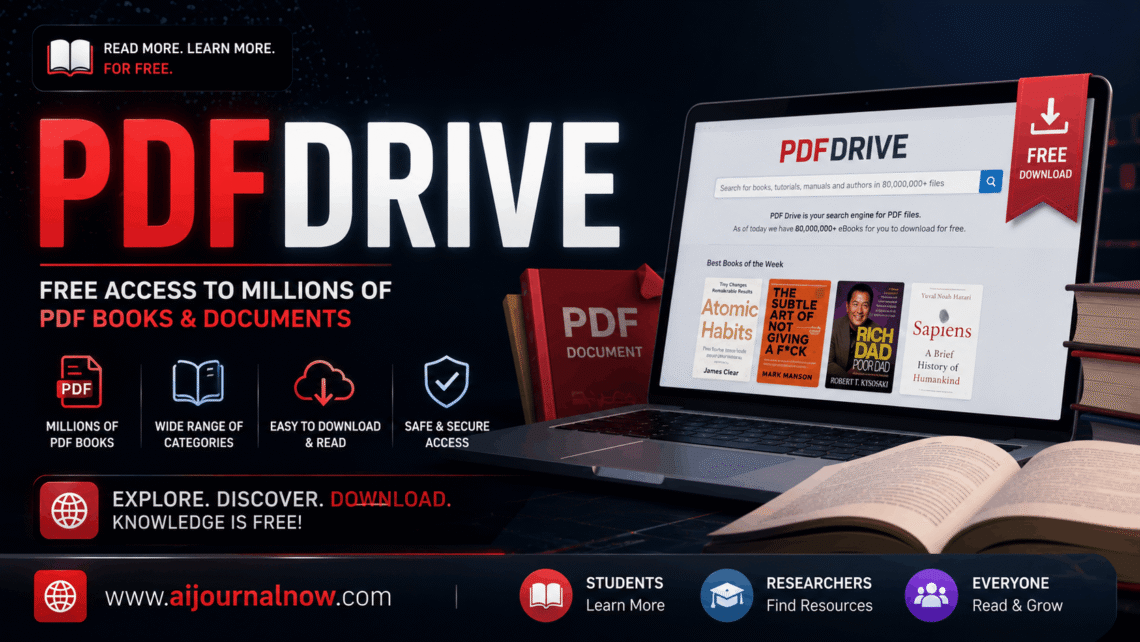
PDFDrive is a free PDF search engine that indexes and hosts over 80 million documents, ebooks, research papers, and magazines. It works more like Google than a library. Web crawlers scan the internet continuously, find publicly available PDF files, and add them to the database.
You don’t need to upload anything. You don’t need to register. and open the site, search for a title or topic, and download.
The catalog covers virtually every subject imaginable—business, science, history, self-help, programming, design, health, fiction, and more. New files are added constantly. Around 50 new books appear in the database every single minute.
PDFDrive: How it works step by step
The process is simple. Visit PDFDrive.com. Type your book title, author name, or subject keyword into the search bar. Results appear instantly, complete with cover previews and page counts.
Before downloading, you can preview the document in-browser. That preview step is useful. It confirms you have the right edition and the file quality is readable.
Click download. The file saves to your device as a PDF. Optionally, PDFDrive offers 100MB of cloud storage through a “My Drive” feature so you can save files to the platform and access them across devices without re-downloading.
An Android app is also available for mobile access. The app syncs with your searches and lets you read offline once a file is downloaded.
Additionally, search filters help narrow results by publication year, number of pages, and language—practical when you’re hunting a specific edition of a textbook.
PDFDrive: The real benefits worth knowing
Scale. 80 million documents is not an exaggeration. Students doing research find obscure academic papers. Bloggers find industry reports. Business owners find management books that cost $30 elsewhere.
Zero friction. No account required for basic searching and downloading. No subscription, no payment form, no email confirmation. You arrive and you use it.
Preview before download. Many free sites force you to download blindly. PDFDrive shows you the document first, which saves time when search results include multiple editions or similarly titled books.
Speed. The database is constantly updated and indexed. Searches return results in milliseconds. The site generally loads quickly even on slower connections.
Mobile access. The Android app extends the experience to phones and tablets. Offline reading works after downloading, which is useful for commuters and students without consistent internet.
PDFDrive: Honest limitations to understand
The legal picture deserves direct attention. PDFDrive indexes PDFs from across the web—and not all of those PDFs were originally uploaded by the rights holders. Some documents in the catalog are copyrighted works that circulate online without proper licensing.
This doesn’t mean everything on PDFDrive is infringing. Publicly available government documents, open-access academic papers, out-of-copyright texts, and author-shared materials are all there legally. However, recent commercial textbooks and popular novels sitting in the database often weren’t licensed for free distribution.
The distinction matters. Downloading a copyrighted book without authorization is a copyright issue regardless of which platform facilitated it. For readers who care about supporting authors — or who operate in professional contexts where legal compliance matters — verifying the status of specific files is the responsible approach.
Ad quality is the second issue. PDFDrive is free, and advertising funds it. Some users report intrusive popups and redirect ads appearing during browsing sessions. An ad blocker significantly improves the experience.
Meanwhile, app reviews have declined recently. Several users on Google Play flagged aggressive ad placements in the 2026 app update that disrupted usability. The web version remains more reliable than the app at this point.
PDFDrive: Who gets the most from it
Students find PDFDrive most valuable for textbooks, academic papers, and supplementary reading that would otherwise cost significant money.
Researchers and bloggers use it to access industry reports, white papers, and reference materials quickly without institutional database access.
Freelancers and marketers browse business and marketing titles to stay current without building a paid ebook library.
General readers exploring topics casually appreciate the search-and-preview model for finding exactly what they want before committing to a download.
Conclusion
PDFDrive delivers on its core promise: instant, free access to an enormous document library with no friction. For anyone researching, studying, or building knowledge on a budget, it’s a tool worth knowing. However, approach it with clear eyes—verify that what you’re downloading is legitimately free to access, use an ad blocker to improve the experience, and consider supporting authors through official channels when you find books you genuinely value. The platform works best as a discovery tool, not a replacement for proper sourcing.
Frequently Asked Questions
Q1: Is PDFDrive free to use?
Yes, completely. You can search, preview, and download PDF files without creating an account or paying anything. An optional “My Drive” cloud storage feature offers 100MB of free space for saving files to your PDFDrive account. No premium subscription exists—the platform is entirely free.
Q2: Is PDFDrive safe from viruses?
The PDFs themselves don’t carry executable code, so virus transmission through document downloads is low risk. However, PDFDrive’s ad network has generated complaints about intrusive popups and redirect ads. Running a trusted ad blocker before visiting significantly improves both safety and usability. Avoid clicking anything outside the search interface and download buttons.
Q3: Is everything on PDFDrive legal to download?
Not necessarily. PDFDrive indexes publicly available PDFs from across the internet, and some of those documents include copyrighted works shared without authorization from rights holders. Public domain texts, open-access academic papers, and author-shared files are legal. Recently published commercial books are worth verifying. When in doubt, check whether an official free version exists through the publisher or author directly.
Q4: What are the best free legal alternatives to PDFDrive?
Project Gutenberg offers over 70,000 public domain books entirely legally. Internet Archive provides access to millions of texts through its Open Library, including a digital lending system for contemporary titles. Google Books hosts previews and some complete public domain works. For academic papers specifically, Semantic Scholar and PubMed Central offer free, legitimate access to millions of peer-reviewed articles.
Also Read: Buy Me a Coffee: The Creator Support Platform Explained