Let’s be upfront about what this is: a buying decision that’s going to cost your organisation a lot of money. We’re talking a minimum commitment of 150 seats, an annual contract, and somewhere in the range of $50–$60 per user per month depending on what you negotiate. If you’ve landed on this ChatGPT Enterprise review, you’re probably in a meeting room with a few sceptical stakeholders, a half-finished slide deck, and a very reasonable question – is the investment actually worth it?
I’ve spent time digging into what Enterprise actually delivers versus what the marketing says, and the honest answer is that it depends heavily on your organisation’s size, your compliance requirements, and whether you’re prepared to roll it out properly. Let’s get into it.
What ChatGPT Enterprise Actually Gives You
The core pitch is this: all the power of OpenAI’s latest models, with no usage caps, wrapped in enterprise-grade security controls and admin tools. That’s genuinely different from what you get with a plus or business plan.
ChatGPT Enterprise in 2026 delivers frontier models and advanced reasoning capabilities, persistent workspaces via Projects, native data connectors to sources like SharePoint, Google Drive, GitHub, and Box, and agentic tools — all wrapped in stronger enterprise controls.
That’s a meaningful jump from the business tier. On Business, you get decent collaboration features and a promise that your data won’t train OpenAI’s models, but you’re still missing things like SSO, SCIM provisioning, role-based access control, audit logs, and data residency options – features that larger organisations and regulated industries typically require.
The Security Story
This area is where Enterprise earns most of its price premium, and it’s worth understanding what you’re actually getting.
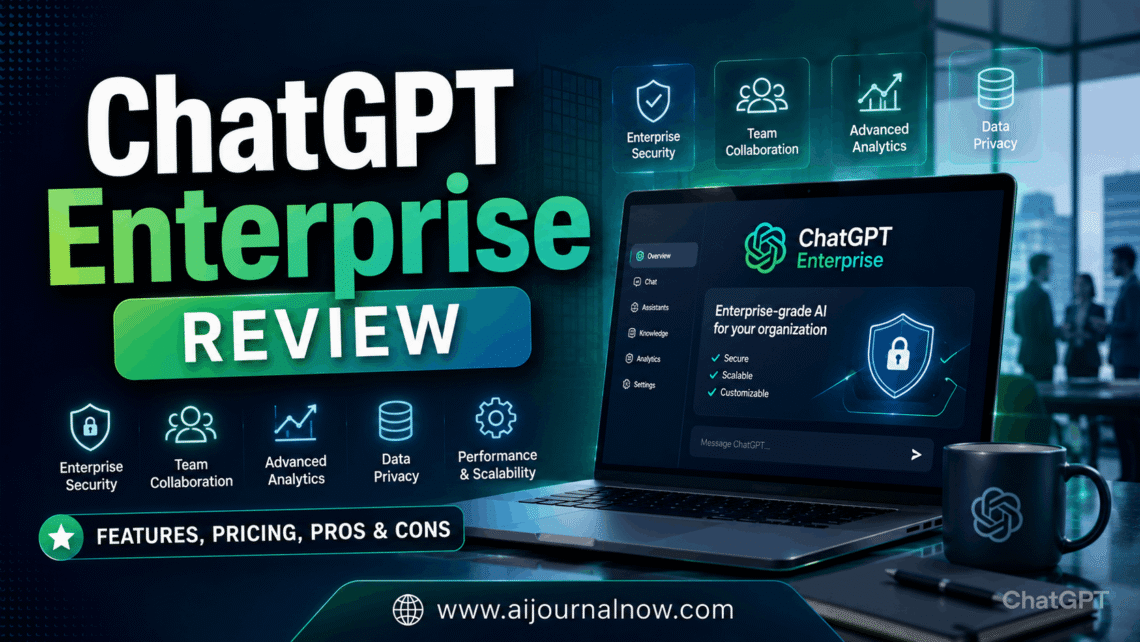
ChatGPT Enterprise offers much stronger protections than consumer or business plans: conversations and uploaded files are not used to improve OpenAI models by default, and it supports SCIM, enterprise key management, role-based access, domain verification, user analytics, and custom data retention policies. Data residency spans ten regions, and the plan includes SOC 2 Type II compliance, GDPR/CCPA alignment, and encryption at rest and in transit.
That’s a solid foundation. But here’s something that doesn’t get said enough in most ChatGPT Enterprise reviews: the infrastructure security is real, and it’s good — but it doesn’t protect you from your employees.
Pasting PII, source code, customer records, and credentials into ChatGPT is the number one cause of data leaks in enterprise environments. OpenAI protects the pipes, not the content. TLS encryption and SOC 2 certification don’t stop someone in your legal team from dropping a client’s confidential settlement terms into a prompt without thinking about it.
So if you’re signing up for Enterprise primarily because you need airtight data governance, make sure you’re pairing it with actual usage policies and employee training. The platform gives you the controls — you still have to use them.
What the Admin Console Actually Does
I’ve noticed that most buying guides gloss over the admin side, but this is where IT and security teams are going to spend a lot of their time, especially early on.
The admin console lets you build tailored assistants for functions like legal review, customer support, HR policy, or sales enablement and push them to all users. Policy controls let admins disable specific features — image generation, web browsing, voice mode — for specific user groups, which is important for compliance and governance.
Administrators can set how many seats of each type exist, assign them, and configure spend controls — including budgets and rate limits on token usage per chat or project. This feature is designed to prevent surprise overages as model usage is metered.
That spend control feature is newer and honestly pretty useful. At enterprise scale, unmanaged AI usage can spiral. Having strict caps per team or per project gives your finance team some predictability, which they’ll appreciate when renewal conversations come around.
The Pricing Reality
ChatGPT Enterprise has no public list price. Negotiated deals in 2026 land between $50 and $60 per user per month on annual commitments of 150 seats or more, falling toward $40 at 5,000-plus seats and rising above $60 for shorter terms or smaller seat counts.
So let’s do some quick math. At 150 seats and $60/user/month, you’re at $108,000 annually before you’ve added any integration work, training time, or additional tools. That’s not a small line item. The lack of a self-serve trial or public pricing page forces you into a sales conversation without knowing the cost, creating friction when seeking internal budget approval.
There’s no self-serve trial or free evaluation path for Enterprise. A sales engagement is required to begin any evaluation. The ChatGPT business plan at $20 per seat with a two-seat minimum is the closest self-service option for teams that want to test capabilities before committing to a 150-seat contract.
That’s worth knowing going in. If you want to pilot before committing, start on the business, build some internal use cases, document the results, and then use that data to justify the enterprise upgrade. Going straight to Enterprise without internal validation is a harder sell.
What About Nonprofits?
For nonprofits, a 75% discount programme makes Enterprise accessible at roughly $15 per user per month — a detail buried in most pricing guides but worth knowing if your organisation qualifies.
ChatGPT Enterprise Review: Who Should Actually Buy This
This isn’t a plan for every organisation, though. Here’s my honest take on who it makes sense for and who should probably look at something smaller first.
ChatGPT Enterprise is a strong fit if:
You’re a large organisation—150+ people—with genuine compliance requirements (HIPAA, GDPR, financial regulations)—and you need documented data controls and audit trails. You have IT capacity to actually configure the admin console, build custom assistants, and govern usage. And you have concrete, high-volume workflows—customer support queues, internal knowledge bases, legal document review, and sales enablement—where the ROI is measurable.
A 500-person knowledge-worker organisation deploying ChatGPT Enterprise at $50/user/month incurs an annual cost of $300,000. If AI saves even 10% of productive time per employee at an average salary of $80,000, the estimated productivity gain is around $4 million annually — a 13:1 return. But that calculation only holds if the organisation invests in change management, training, and workflow redesign. Technology alone accounts for only 20–30% of enterprise AI success; the rest depends on organisational and human factors.
That’s the part people skip. The ROI math can look impressive on paper. But if the rollout is just “We bought 200 seats; here’s your login,” you’ll get 30 heavy users and 170 people who opened it once and then went back to Google.
You’re probably not ready for enterprise if the following are true:
Your team is under 150 people, you’re still in early AI exploration mode, or you don’t yet have defined workflows you want to improve. In that case, start with business, experiment for six months, and revisit.
ChatGPT Enterprise Review: How It Compares to Alternatives
There are real competitors worth knowing about. Claude Enterprise and Gemini for Workspace are the most direct comparisons in 2026, each with different strengths. Claude Enterprise tends to appeal to teams doing heavy document analysis and long-context work. Gemini for Workspace makes sense if your organisation is already deep in Google’s ecosystem and wants AI woven directly into Docs, Sheets, and Gmail.
ChatGPT Enterprise’s advantage is breadth: it is the most widely adopted, has the broadest model access, and the custom GPT deployment through the admin console is genuinely useful for creating function-specific AI tools without engineering resources. Its disadvantage is vendor lock-in: platform-specific tools like ChatGPT Enterprise create tighter vendor coupling than API-based approaches, which matters if you want flexibility to switch models down the road.
ChatGPT Enterprise Review: The Things No One Tells You Upfront
A few practical realities worth knowing before you sign:
Model changes happen on OpenAI’s timeline, not yours. OpenAI retired several models in February 2026, with enterprise customers given until April 3, 2026, to transition. Workflows built on specific models can be disrupted on OpenAI’s schedule. If your tOpenAI’s schedule can disrupt workflows built on specific models.lan for when that modisets deprecated.
Shadow AI is still your problem. Buying ChatGPT Enterprise doesn’t eliminate AI risk — it consolidates maybe 40% of it. The rest lives in personal accounts, browser-based agents, and locally run models. Enterprise solves the sanctioned usage problem. It doesn’t solve the “someone on your team is using a personal Plus account to process customer data” problem.
And rollout is genuinely challenging. The admin console is powerful but takes time to configure properly. Budget for that time – it’s not a weekend project.
ChatGPT Enterprise Review: The Bottom Line
This ChatGPT Enterprise review is simple: for large organisations with real compliance requirements and high-volume AI workflows, it’s a credible, well-built product. The security architecture is solid, the admin controls are mature, and the custom assistant deployment is a practical way to achieve consistent AI behaviour across a large team without writing code.
But it’s not magic. The ROI depends almost entirely on how seriously you treat rollout, training, and governance. Buy it with a deployment plan, not just a budget line. And if you’re not at 150 seats yet or still figuring out where AI fits in your workflows, start smaller, learn faster, and come back when you know exactly what problem you’re solving.