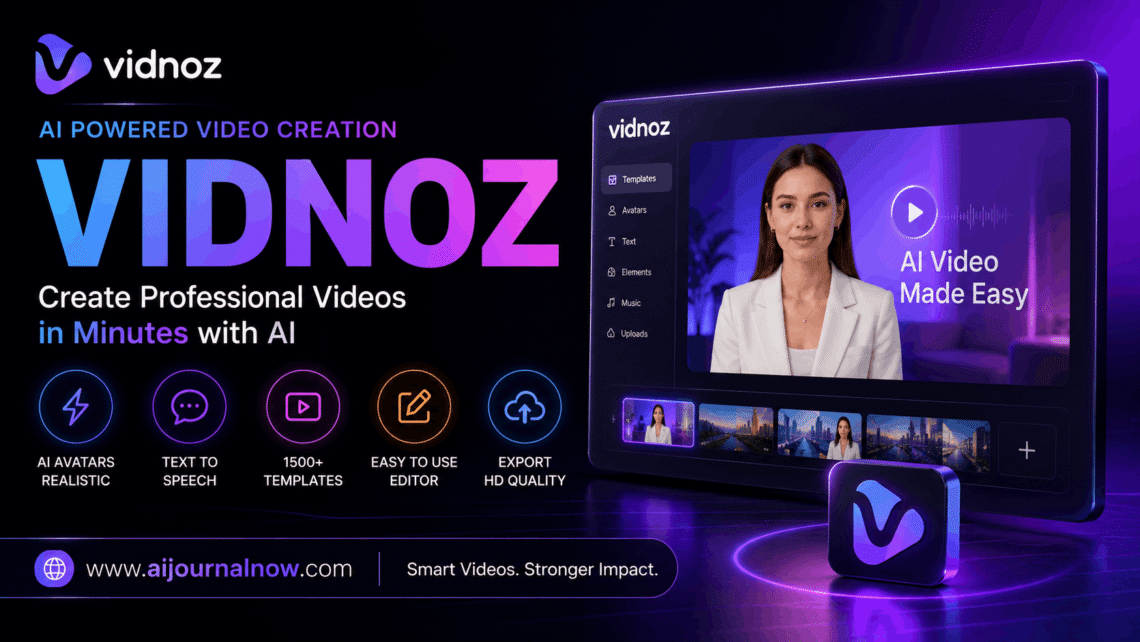
Vidnoz is the type of AI application that eliminates the reasons most people have for not creating videos: no camera, no editing knowledge, no budget, and no time. It’s a browser-based platform that takes a screenplay, image, or prompt and turns it into a fully produced video replete with an AI avatar, synced narration, and professional template without ever touching a single editing timeline.
That sounds like a big statement. So let’s see what it actually offers.
What’s Vidnoz?
Vidnoz is an AI video creation platform for anyone who desires professional-looking video material without the overhead of traditional production. You join in through a browser—no software to download—and gain access to a range of tools for text-to-video, image-to-video, AI avatars, voice cloning, and video enhancement.
Your user data, scripts, and brand assets are managed under validated security standards certified to ISO/IEC 27001:2022. This is important for businesses and freelancers working with clients.
The platform is actually free to start. The free plan has daily usage restrictions and watermarked exports, but it’s enough to thoroughly evaluate if the tool matches your workflow before committing to a subscription plan.
How Vidnoz Works: Key Features
Video to Text
Copy a script or enter a prompt, pick an AI avatar and voice, pick a template, and Vidnoz will build the video. The AI automatically takes care of script-to-speech synchronization and lip-sync. What would take hours in a regular editor takes minutes here.
There are more than 1,380 AI voices accessible via integrations with ElevenLabs, Microsoft, and Google—encompassing a range of languages, tones, and delivery styles, from formal corporate narration to conversational explainer formats.
AI Avatars & Voice Cloning
Vidnoz delivers a library of lifelike AI avatars that will act out your script on screen without you being on camera. This feature alone is enough to give the platform a go for those that are camera shy or who just want a constant branded presenter.
It goes further with voice cloning. You can do a digital copy of your own voice. So the avatar on screen speaks in your voice while you’re not recording anything.
Video to image
Upload a static photo or graphic, specify the motion you desire, and Vidnoz will animate it into a short video clip. This is especially helpful for marketers that employ product photographs, bloggers who want to add visual appeal to textual material, or social media managers who need video output from a still image collection.
AI video super resolution
Vidnoz’s enhancing tool works with old footage, phone recordings, or compressed video files. It automatically uses AI upscaling, noise reduction, sharpening, and color correction, so you don’t need to know anything about manual grading.
Who Benefits the Most from Vidnoz?
Marketers and small business owners utilize Vidnoz to make product explainers, promotional movies, and social media material without a video team. The 2800+ templates are tailored for marketing, education, HR, and e-commerce use cases.
Educators and trainers use it to create e-learning modules and training films in bulk. The avatar-based approach will ensure consistent production without the need for a studio set-up for each module.
bloggers and content creators who publish written content routinely use vidnoz to repurpose articles into short narrated videos – opening up YouTube Shorts, TikTok and Instagram Reels as distribution channels with minimum extra effort.
Freelancers providing video content services to clients can use vidnoz to boost the speed of output dramatically. A video that used to take half a day to edit may be turned around in under an hour.
Honest Limitations To Keep In Mind
Exports from the free plan are vidnoz watermarked. This is great for personal projects or testing out your portfolio, but you’ll need a premium subscription for client deliverables.
The platform is hosted in the cloud; thus, you need a stable internet connection to make it work. Slow connections mean a tedious render and preview procedure.
Complex creative projects with bespoke animations, layered effects, or very precise visual styles will reach the limit of what Vidnoz can give. It’s a tool for efficiency, not a replacement for motion designers or full-service video production.
A few users have noted that the AI Video Wizard, the prompt-to-video-full tool, might sometimes misunderstand vague prompts. The more specific and thorough the prompts, the better the outcomes tend to be.
Conclusion:
Vidnoz deserves to be part of a content creator’s toolkit by addressing one nagging problem: the disconnect between having something to say and actually making a video that expresses it well. The free plan is actually usable. The avatar and voice features are very impressive. The learning curve is short enough that a first-timer can create a finished film in one sitting.
If video has been languishing on your to-do list because the production side seemed too heavy, Vidnoz is worth an hour of your time to find out.
FAQ Vidnoz
Q1: Is vidnoz really free to use?
Yes, there is a free plan, but it has daily usage limits, and exports are watermarked. Paid plans will remove the watermark, raise render limits, and allow HD downloads for commercial use.
Q2: Do I need to have video editing knowledge to utilize Vidnoz?
No, not at all. The UI is meant for novices. For most kinds of videos, the whole process is choosing a template, pasting a script and choosing an avatar.
Q3: Can Vidnoz make videos in languages other than English?
Yes. vidnoz has ElevenLabs, Microsoft and Google voice connectors that support 1380+ voices in numerous languages and dialects, making it usable for multilingual content initiatives.
Q4: Can I upload client scripts and brand materials in vidnoz safely?
Vidnoz is ISO/IEC 27001:2022 certified, a globally recognised international standard for information security management. This gives a significant minimum for data protection in company and independent work.
Q5: How does Vidnoz differ from tools like Synthesia?
Both platforms have AI avatars and text-to-video capabilities. Synthesia is generally considered a more refined product for enterprise use but comes at a much higher price range. Vidnoz is a more affordable choice for individuals, small enterprises and freelancers who need capable output.
Also Read: Framer AI Review: Is It Good for Designers?