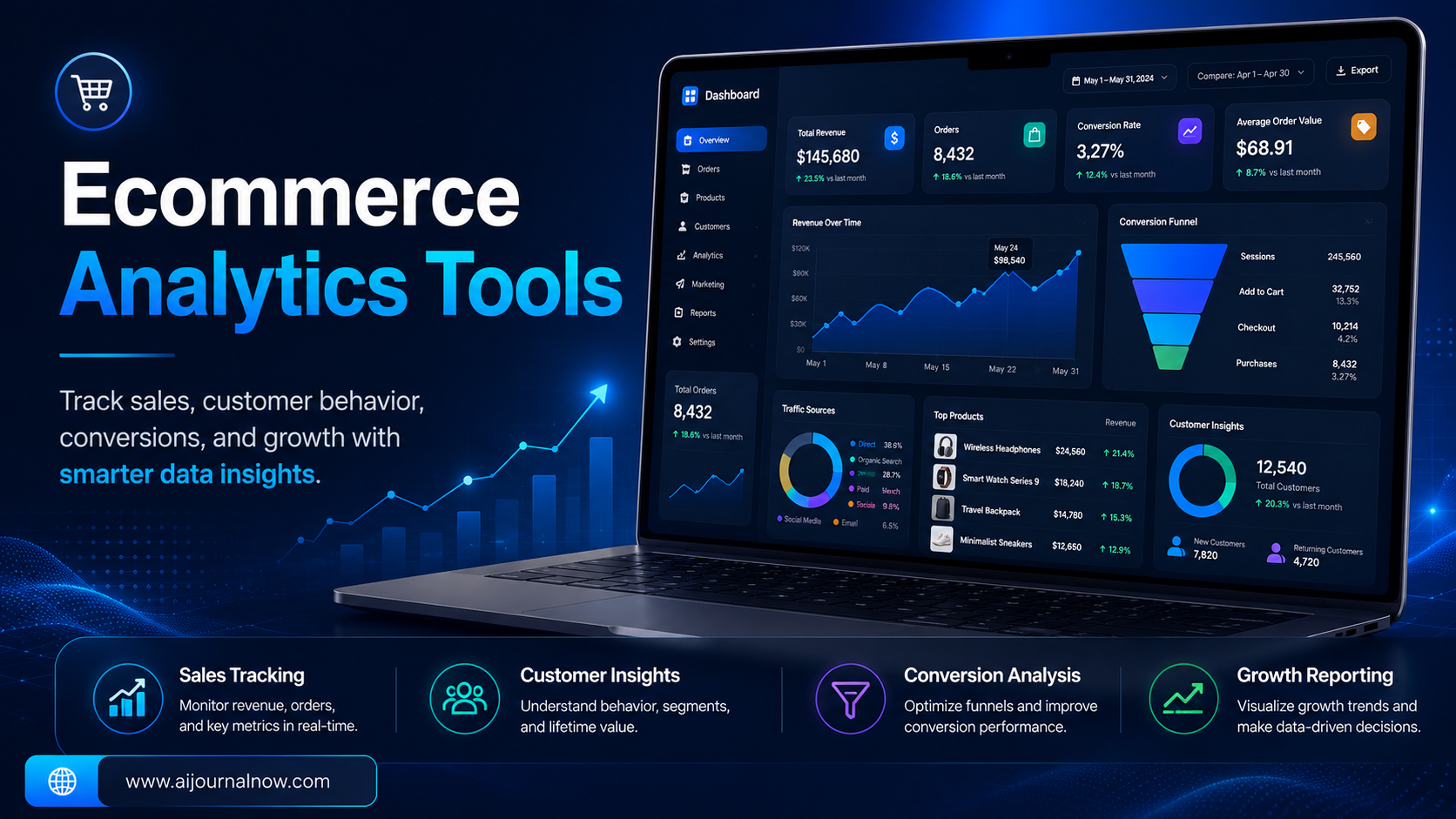
You’ve got an internet store, traffic is coming in, sales are happening — but you have no real clue why. What do people care about products? Where do they get off before they check out? What is your best traffic source on a Tuesday afternoon?
If you can’t answer questions like these, you are running your store blind. That’s where ecommerce analytics tools come in – and once you start using them the right way, it’s hard to fathom turning back.
This tutorial explains what these tools accomplish, which ones you should know about, and how to really use them to expand your store without drowning in data you don’t understand.
What is Ecommerce Analytics Tools?
Simply defined, they’re software that gathers and organises data about your online store – who’s coming, what they’re doing, what they’re buying, and what’s making them bounce.
It’s like having an extremely diligent store manager that watches every customer encounter and tells you back the patterns. But instead of opinions, you get numbers. And the numbers don’t lie.
A decent analytics tool can tell you things such as:
- Which product pages generate the most traffic but the fewest transactions (a clue something is awry – maybe the price, maybe the photographs)
- Where and what % of people ditch their cart
-Where your greatest clients are coming from – Google search, Instagram, email campaigns or walk-ins - Best days and times for conversion
“That is the kind of insight that allows you to make real decisions, not guesses.”
Why Most Store Owners Don’t Use Ecommerce Analytics Tools
Here’s something that most people won’t tell you. The problem is not usually access to data. It’s knowing what to do with it.
A lot of Shopify or WooCommerce store owners install Google Analytics and glance at the dashboard once and get overwhelmed and never look at it again. Without context, the numbers themselves are meaningless.
The good news is you don’t have to be a data analyst. You merely need to know which indicators genuinely matter for your store and keep track of them consistently. More on that in a moment.
Read Also: Can AI Ebook Generator Really Write Your E-Book For You?
The Top Ecommerce Analytics Tools Right Now
Google Analytics 4 GA4
Still the gold standard for most small to mid sized establishments. GA4 watches how users behave on your site, shows you where your traffic is coming from and if you’ve enabled ecommerce monitoring, offers you precise statistics about purchases – revenue by product, conversion rates, average order value and more.
It’s free, so it’s a no-brainer place to start. The learning curve is steep, but once you get the basics set up, the data you get is really powerful.
Shopify Analytics
If you’re using Shopify, the built-in analytics dashboard for Shopify is typically ignored. It’s got sales figures, customer behaviour data, returning customer rates, and even geographic breakdowns of where your purchasers are coming from, all without leaving the platform.
For stores just getting started, native analytics from Shopify is usually enough for the first 12 months.
Three Whales
This one has been a go-to for direct-to-consumer firms doing paid ads. Triple Whale aggregates your ad platform data (Meta, Google, TikTok) your shop data and your email tool data into one dashboard so you can view your true profit and return on ad expenditure all in one location instead of switching between five different tabs.
That’s paid, but if you’re paying for ads, the clarity is typically worth it.
Hotjar
This is a different kind of ecommerce analytics tool – one that’s focused on behaviour and not just numbers. Hotjar allows you to watch recordings of real user sessions on your site and observe heatmaps to illustrate where visitors click, scroll and ignore.
Imagine you’re selling phone cases, and on your Hotjar heatmap you see that hardly anyone scrolls past the first two product photos. And that alone could be the reason for a low conversion rate and give you a simple fix.
Klaviyo Analytics
If email marketing is part of your strategy (and it should be), Klaviyo’s built-in statistics tell you exactly how much revenue each email campaign and automation is generating. Knowing that one abandoned cart email sequence accounts for 18% of monthly income makes it extremely straightforward to prioritise.
What Metrics Matter For Ecommerce Analytics Tools?
But instead of fretting about vanity metrics like as raw pageviews, check these out for ecommerce:
Conversion rate – the percentage of visitors who do actually buy. Industry average is roughly 2-3%. If yours is below 1%, you have something on your site that needs fixing.
Average order value (AOV) – the amount of money your customers spend per transaction. Small increments here (bundles or upsells) can make a big difference to revenue.
Cart abandonment rate — usually about 70% in ecommerce. Even a small reduction with a well-timed email sequence can make a big difference.
Customer acquisition cost (CAC) – what you are spending to acquire each customer. But it only matters together with lifetime value, which is the one that comes next.
Customer Lifetime Value (LTV) – How much a customer spends over time. The value of a customer buying 3 times a year is much greater than the first sale would imply.
Conclusion
Ecommerce analytics solutions aren’t only for huge firms with data teams. They’re for anyone who wants to stop guessing and start deciding with genuine information.
Start simply. Get GA4 or your platform’s native analytics setup properly. Pick two or three KPIs to track weekly. Build from there. The idea is not to understand everything at once. It’s about getting better and better at reading the story of your store through data.
Once you do, you will wonder how you ever managed a store without it.
Frequently Asked Questions
Q1: What’s the best ecommerce analytics tool for beginners?
Google Analytics 4 + your platform native analytics (Shopify, WooCommerce, etc) is where you should start. Both are free, well documented and offer the key KPIs that most small retailers need. Start there before you start spending money on paid tools.
Q2: Is there a need to use more than one analytics tool?
Not always when you’re getting started. One good tool used regularly is far better than five tools used sporadically. As your store gets bigger and your enquiries get more detailed (especially around paid ads or email performance) then it does make sense to add a second tool like a Triple Whale or a Klaviyo.
Q3: How often should I check my analytics?
Weekly is a fair pace for most store owners. Daily checking can lead to overreaction to routine changes. Monthly reviews are important for catching wider trends. The issue is consistency, not frequency.
Q4: How do I know why clients leave without buying?
Analytics tools will only tell you so much, but solutions that track user behaviour, such as Hotjar, can show you where users get stuck or lose interest. The fastest method to diagnose drop-off issues is often to pair your conversion data with session recordings.
Q5. Are the paid ecommerce analytics tools worth the investment?
It depends on your store’s stage. For stores around $10K/month free tools are usually good enough. Once you’re scaling and running sponsored advertising, technologies like Triple Whale often pay for themselves fast with the attribution clarity and time savings they provide.