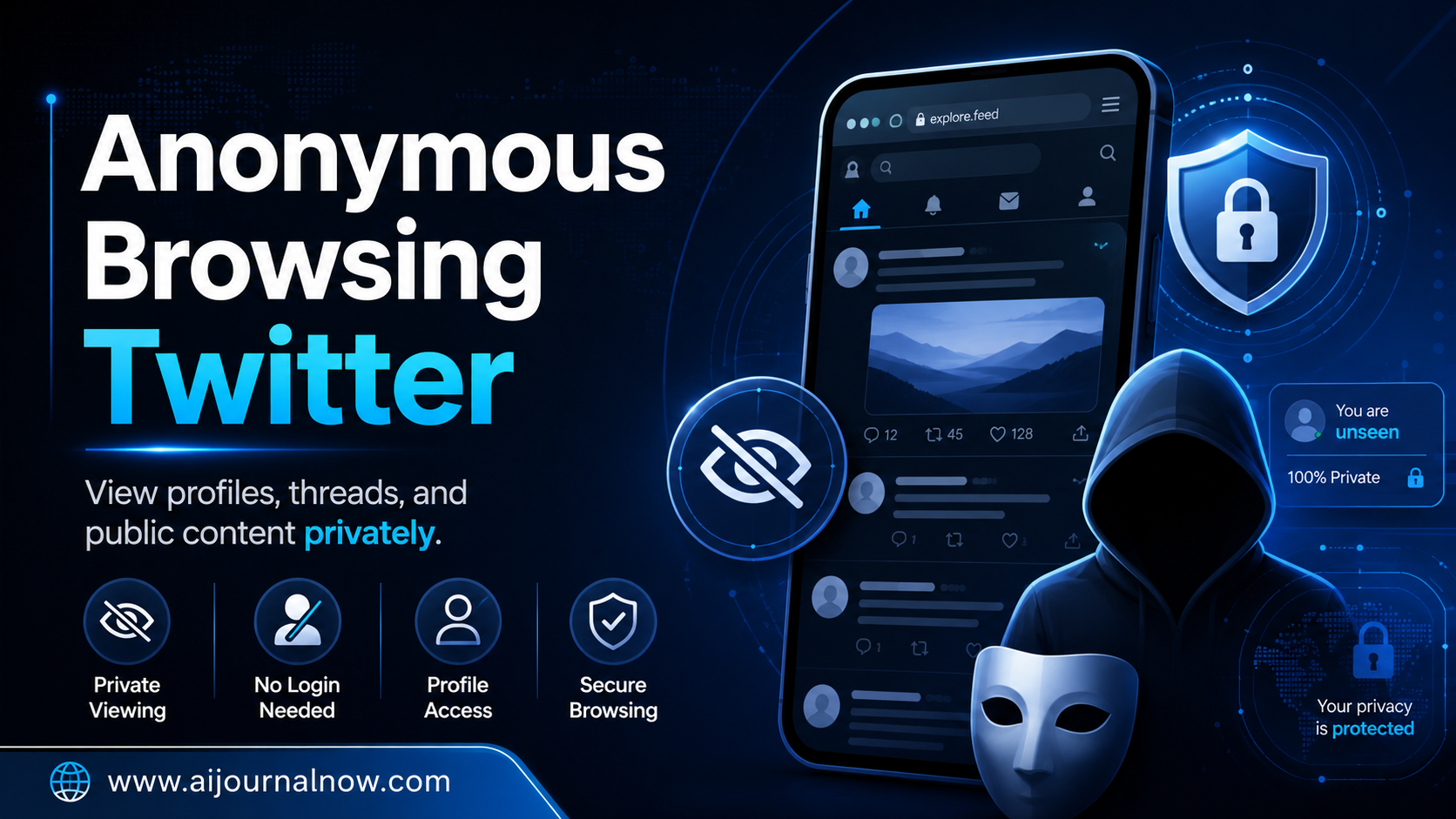
Ever wanted to check out someone’s Twitter page – a competition, an ex-colleague, or a prominent figure – and leave no digital footprint? You are not alone. “Every day millions of people use Twitter without an account, and many logged-in users want more control over their privacy as well. Browse Twitter Anonymously is a valid and helpful thing to know about, whether you’re a journalist doing research for a sensitive subject, a student watching hot topics, or just someone who doesn’t like to have their surfing habits tracked. So let’s get into it – literally, honestly and without the tech-speak onslaught.
Why Would a Person Want to Browse Twitter Anonymously?
Privacy isn’t about hiding something. It’s about control.
Put it this way: when you go into a bookshop you can browse at will without the bookshop personnel noting down every title you looked at. You rarely get the same civility in online spaces — and Twitter is no exception.
Here are 4 real-life reasons why people check out anonymous Twitter browsing:
- Researchers and journalists who want to track public accounts without identifying who they are or what they represent
- Business owners snooping on competitors’ posts without notifying them
- Job seekers checking out what a company or hiring manager posts before an interview
- People going through a breakup who don’t want their ex to know they’ve been lurking (we’ve all been there)
- Students and writers who follow public conversations on a topic without signing up
These are not sinister motives. They’re only human.
What the Hell Is “Browse Twitter Anonymously”?
It’s worth clarifying this as it covers a few different things.
Anonymous Browsing
The easiest way to browse Twitter anonymously is just… not logging on. Twitter’s public content — tweets, profiles, hashtags — is visible to everyone, even those without an account. You can read public posts without signing in.
The secret? This has been slowly clamped down on by twitter . Starting in mid-2023, Twitter (now officially rebranded as X) began limiting how many posts non-logged-in visitors could see before reaching a wall. However, you may browse a fair bit of fundamental stuff without an account.
Browse while logged in but invisible
For those of you already on twitter with an account, “anonymous” means something else: You want to scroll, read and research without the algorithm building a profile of your activities – or without inadvertently telling others that you’ve been looking at their content.
Twitter doesn’t display who visits your profile like LinkedIn does. In that sense, then, logged-in browsing is really more covert than you might imagine. But Twitter still tracks your behaviour internally to sell adverts and tailor your stream.
How To Fully Hide Your IP Address and Identity
More sophisticated anonymous browsing may utilise programs such as VPNs (Virtual Private Networks) or the Tor browser that disguise your real IP address. This means Twitter’s servers can’t as readily connect your browser experience to your physical location or device.
How to Actually Browse Twitter Anonymously
Here’s a simple breakdown of the most practical techniques.
Browse Twitter Without Signing In
If you wish to simply read public tweets, but not attach your session to your account, log out first. Open an incognito/private browsing window (Ctrl + Shift + N in Chrome, Command + Shift + N on Mac) This disables cookies from being saved and minimises the data trail you create.
It won’t make you invisible to Twitter’s servers, but it limits what’s related to your personal profile.
Use a VPN
VPNs work by routing your internet traffic through a server in another location, hiding your actual IP address. Twitter thinks you are surfing from the location of the VPN server.
This is good for hiding your Twitter usage from your internet provider or network (say a work or school network). It creates another level of separation between your real identity and your browsing session.
Popular and reputable VPNs include ProtonVPN (which includes a free tier), Mullvad, and NordVPN. Steer careful of free VPNs without a clear business plan – they typically make money off your data, which defeats the purpose totally.
Use an Alternative Twitter Interface
Underrated one this. Tools like Nitter (when it’s working) let you access public Twitter information through a third-party interface that doesn’t send data back to Twitter at all. You see the tweets, but Twitter doesn’t see you.
The problem is that frontends tend to go down or get blocked, and they only work for reading, not interacting, posting or DMing.
How to Make a Second Account
If you have to be logged in but don’t want the activity associated with your main identity then a separate anonymous account is a possibility. Use a different email address and another browser, and keep the two accounts strictly separate.
Remember, Twitter has restrictions about running multiple accounts, so if you are using a secondary account, don’t harass, escape bans or do anything else that breaks Twitter’s rules.
What Anonymous Browsing Will Not Protect You From
This is a place where honesty counts.
No method is 100% foolproof. Even with a VPN, your browser fingerprint (a combination of your screen resolution, installed fonts, browser version, etc.) can be used to identify you between sessions. Twitter’s ad mechanisms are complex.
Additionally, if you are connected into a Google or Facebook account in the same browser, your activity can still be cross-referenced using tracking pixels and third party scripts that are integrated in Twitter.
For most casual usage scenarios the preceding guidelines are more than enough. If you require truly high-stakes anonymity — say, you’re a whistleblower or activist — you should consult a digital security professional, not a general guide.
Read Also : How to Fix Robotic Voice in AI Podcast
The bottom line
Anonymous Browsing on Twitter is not rocket science once you know your alternatives. There are genuine, practical measures anyone can take to browse more anonymously, from signing out to using incognito mode to using a VPN or an alternative frontend.
The important thing is to know why you desire more privacy and choose the approach that meets your real demands. Most people don’t need Tor-level anonymity – they just want to research quietly, read freely and not have every click put into an ad algorithm.
That’s a very normal thing to want. And now you know how to do it .
Questions and answers
Q1: Does Twitter know when someone visits a profile anonymously? Twitter does not tell the user when someone views their profile, unlike LinkedIn. Twitter can still track your surfing behaviour internally using cookies and IP data, it just won’t share that information with the individual whose profile you viewed.
Q2: Can I be anonymous on Twitter by using incognito mode?
Incognito mode doesn’t save cookies and history on your device, but it doesn’t hide your activity from Twitter’s servers or your Internet provider. It’s a nice first step but not a comprehensive answer.
Q3: Can I surf on Twitter anonymously? Is it legal?
Yes, in most countries, you can browse publically available stuff anonymously without breaking any laws. VPNs and other privacy technologies are likewise legal in most places, although a handful of governments restrict or outlaw the use of VPNs. Always verify with your local regulations.
Q4: How can I access Twitter without having an account?
Open a private/incognito browser window and navigate to twitter.com (or x.com). Most accounts and tweets are viewable without checking in, although Twitter currently limits how many postings you may view before requesting you to sign in.
Q5: Will a VPN impede my Twitter browsing?
Your browsing may slow down slightly with a VPN as your traffic is being routed differently, however if you have a good quality VPN and a fast connection, this is often not noticeable for regular browsing and reading.