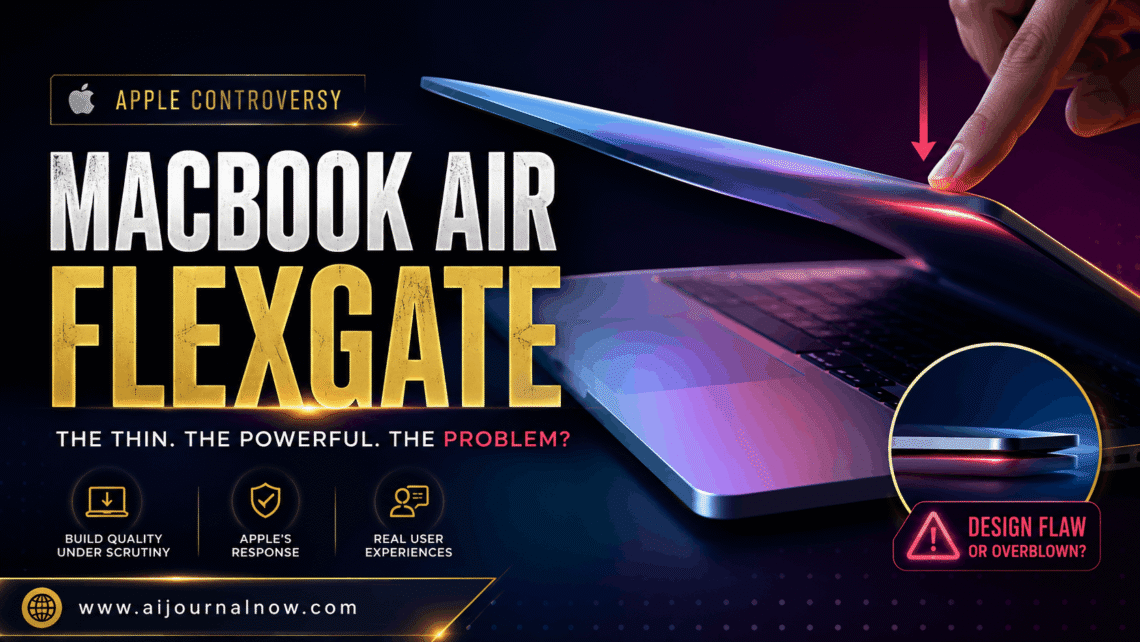
If you’ve ever experienced unusual illumination issues near the bottom of your MacBook’s screen, you might have MacBook Air flexgate and not even know it. This has been a silent issue affecting thousands of Apple laptop customers over the years, yet many people don’t know there’s a term for what’s happening or that there’s a fix.
Let’s walk through all these issues clearly.
What Is Flexgate on MacBook Air?
Flexgate is a hardware problem that affects some MacBook models where the display cable, a thin ribbon of flexible cable called a flex cable, begins to fray with use. That cable bends repeatedly in the same spot as you open and close the lid every day. Eventually it starts to shred or tear, causing the display to act unpredictably.
The name is a mashup of “flex cable” and the typical “-gate” suffix that tech communities tack upon popular product problems. And don’t get me wrong—MacBook Air Flexgate became quite the scandal when people started comparing notes online and realized this wasn’t just a one-off defect.
The issue had been frequently reported on MacBook Pro models from 2016 to 2018; however, MacBook Air flexgate concerns have also emerged for a variety of Air configurations, particularly in thinner versions where Apple had reduced the length of the flex cable in comparison to prior models.
How to Know If Your MacBook Air Has Flexgate Problems
Recognizing the signals early might save you a lot of frustration. Here’s what to watch for:
Phase One: The Backlit Bleeds
The most common and earliest indicator of MacBook Air flexgate is an uneven strip of lighting along the bottom edge of the screen. It typically manifests itself as a subtle glow or a bright “stage light” effect—as if someone has placed a spotlight at the bottom of your display.
The first assumption most people make is that it is a software error or a loose link. No, it’s not. That’s the flex cable starting to go.
Stage Two: The screen begins to flicker
As the damage to the wire advances, you may notice flashing on the screen when you move the lid. You’ll notice it most when opening the MacBook beyond a particular angle—usually past 40 to 50 degrees. That’s because when you open the lid more, the wire tightens, and a broken cable has trouble keeping a steady connection.
Stage Three: Total Display Failure
The MacBook Air flexgate can cause total display failure if not fixed. Your Mac is still functioning, but the screen is just blank. You could hear startup sounds or the keyboard lights up, but the monitor remains dark.
Why Does MacBook Air Flexgate Happen?
This is where design decisions are important. Apple cut the length of the flex wire in numerous MacBook models by a significant amount compared to prior designs. This made the hardware slimmer and sleeker but at the expense of the cable having very little slack when the lid was opened.
Every time you flip open your MacBook, that already strained cord flexes with tension. Do that hundreds of times over a couple years, and the repetitive stress causes microscopic rips. The cable isn’t built for that kind of tension over that distance.
It’s really a wear-and-tear issue, exacerbated by a design decision that valued thinness over durability. Many experts and repair techs who have taken apart these machines agree that a slightly longer cable would have prevented MacBook Air flexgate totally.
Which MacBook Models Feature Mac Air Flexgate?
The first wave of MacBook Air flexgate reports were all about the MacBook Pro 13-inch models from 2016-2018; however, the issue isn’t limited to the Pro line. MacBook Air users, notably those with the Retina models from 2018 forward, have also reported similar problems.
The basic problem is the same: a short flex wire passing through a tight hinge. If you have a Retina screen MacBook Air made between 2018 and 2021 and you’re seeing some early warning indicators, it’s worth paying attention.
Apple’s answer to MacBook Air Flexgate
Apple was hesitant to respond to MacBook Air flexgate at first. The firm was slow to openly admit the issue, angering many consumers who were quoted costly out-of-warranty repair expenses.
Later Apple introduced a display backlight servicing program for the 13-inch MacBook Pro (2016), providing free repairs for qualified units. But this program didn’t officially cover MacBook Air models, leaving many Air users with no options unless they still had a warranty or AppleCare coverage on their computer.
If you’re experiencing MacBook Air flexgate symptoms on a relatively fresh laptop, it’s still worth heading into an Apple Store or reaching out to Apple Support. Policies and servicing programs are subject to change, and some users have had repairs paid on a case-by-case basis.
How to Repair MacBook Air Flexgate
There are a few potential routes, depending on your scenario.
Apple Repairs: If your MacBook Air is still under warranty or AppleCare+, bring it to Apple immediately. Display problems are generally covered, and you won’t have to pay out of pocket.
Third-Party Repair: There are several independent repair companies that specialize in Apple electronics and can replace the flex cable for a fraction of what Apple costs out of warranty. Costs usually range from $150 to $400 depending on the model and labor rates in your location.
DIY Replacement: If you are comfortable with precise electronics work, you can find replacement flex cables online for under $30. iFixit contains full guides for numerous generations of MacBooks. That noted, this fix includes removing the display unit, which is a bit delicate labor. One bad move and you can harm the screen itself.
Temporary Fix – Don’t Open Lid Beyond 40 Degrees: Some users in the early phases of MacBook Air flexgate have claimed that holding the lid at a shallower angle momentarily decreases or removes the backlight bleeding. This isn’t a fix; it’s a delay technique, but it can give you time if you’re waiting on a repair appointment.
How to Prevent It Before It Happens
If your MacBook Air is still in good shape, a few practices can reduce wear on your display cable:
– Open the lid slowly and don’t snap it open all the way with force
– Never stack heavy objects on your closed MacBook
– Put it in a cushioned bag so that no pressure is exerted on the hinge
– Consider AppleCare+ if your model is still qualified; it covers accidental damage and hardware defects
None of these eliminate the risk. But they lessen the daily stress on the wire.
FAQ
Q: Yes, MacBook Air flexgate is covered by Apple warranty.
Yes. If your MacBook Air is covered by the normal one-year warranty or AppleCare+, display hardware faults such as flex cable failures should be repaired at no cost to you. Always examine what your coverage will cover before you pay for repairs elsewhere.
Q: When do flexgate symptoms often show on a MacBook Air?
Most customers have noticed symptoms arising between one and three years of frequent use. It’s based on how often you open and close the lid and how far you normally open it.
Q: My screen is entirely dark because of flexgate. Can I still use my MacBook Air?
Technically yes – you can hook up an external monitor using HDMI or a USB-C converter and keep on using the laptop. This is a sensible work-around when organizing a repair.
Q: Will Apple fix MacBook Air flexgate for free if I’m out of warranty?
Depends. Apple has previously launched targeted service programs for similar faults. Not guaranteed, but worth asking, especially if your model is in a known impacted range. There have been instances where users have gotten out-of-warranty repairs covered by escalating the problem directly with Apple Support.
Summary
MacBook Air flexgate is one of those situations that sneaks up on you slowly and then suddenly becomes a massive inconvenience. The good news is that it’s diagnosable, repairable, and—with the appropriate habits—somewhat avoidable.
Whether you’re just beginning to see that first faint glow at the bottom of your screen or you’re already dealing with a completely dark display, knowing what’s going on puts you in a much better position to act. Don’t wait till the problem is at stage three before you try and remedy it.
The more customers speak up about MacBook Air flexgate, the more pressure is on manufacturers to develop products that last—not just appear skinny.
Also Read: Spotify Vs Apple Music: Which One Is Right for You?