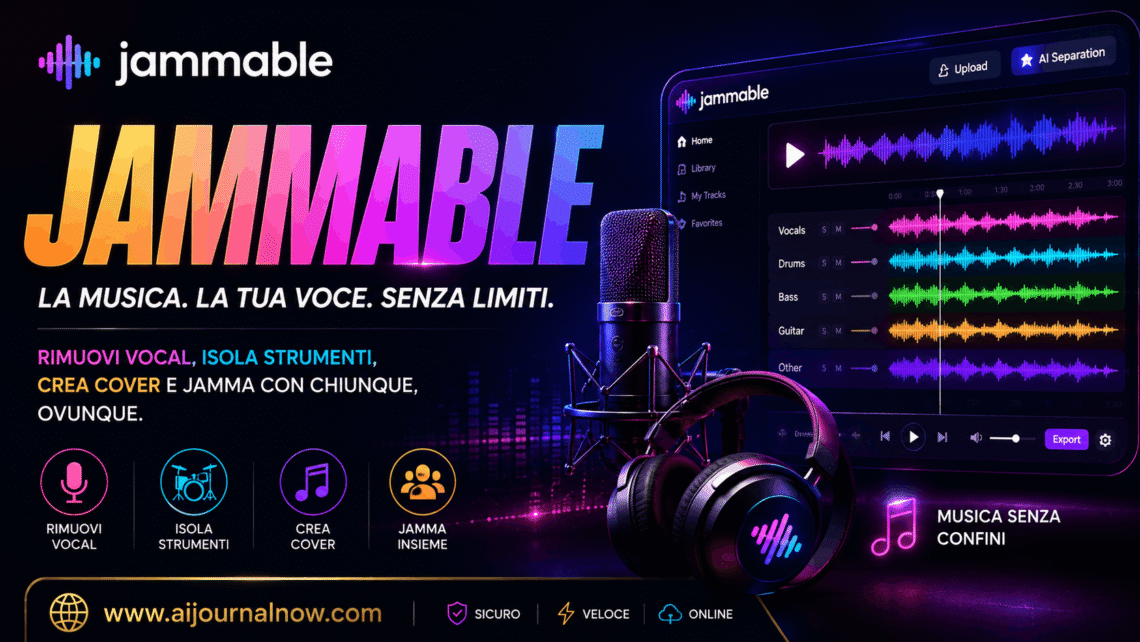
Jammable is an AI-powered voice conversion platform that’s been making waves in music and creative communities, and for good reason—it enables you to modify sounds in ways that would have required a professional studio just a few years ago. Maybe you’ve seen it referenced in a YouTube video or music production forum, but this guide will offer you a complete, honest look at what it does and whether it’s worth your time.
What is Jammable?
Jammable is a web app that uses artificial intelligence to change one voice into another. It’s simple: you upload an audio recording, select a voice model, and the site turns your audio to sound like a new performer or character altogether.
It was part of a wider wave of AI voice and music technologies, but Jammable found a special niche: making voice conversion accessible to non-audio engineers. You don’t need to know about DSP, audio compression, or pitch algorithms. You merely upload, select, and convert.
The website has a vast selection of voice models, frequently based on singers, musicians, or fictional characters, and users can utilize the models on their own recordings or instrumentals. Depending on the quality of the input audio and the model utilized, the outcomes range from remarkably believable to plainly fake.
How does Jammable work?
Jammable uses AI voice conversion (sometimes RVC, retrieval-based voice conversion) as the core technology. So what does that mean in practice?
Voice models are trained on audio data. Someone (either the Jammable team or community volunteers) trains a model by feeding the AI a collection of vocal samples from a given singer or voice. The model learns the texture of that voice, the pitch patterns, and the tonal qualities.
You provide the original audio. When you upload a file, Jammable looks at the vocal content—pitch, timing, and pronunciation—and maps it to the target voice model you’ve chosen.
The output combines your performance and the voice you have chosen. The melody, rhythm, and words that you sang are essentially unchanged, but the timbre and vocal character are changed to fit the model that you picked. If you sang a song and applied a model trained on a famous singer, you’d get a version of that musician singing your performance.
Everything happens in the cloud. No requirement for sophisticated hardware or local software installation. You just need a browser and an internet connection.
What is Jammable for?
It’s had a remarkably broad user base, with people getting different value out of it.
Jammable for Music Creators & Producers
With Jammable, producers may rapidly prototype their musical ideas. Instead of engaging a vocalist for a demo, they can run a voice model over a guide vocal to give them a general idea of what the song might sound like with a certain style of singing. At the demo stage it is cheaper and faster.
Some makers also utilize it for strictly experimental purposes, such as layering different voice models on the same recording, combining styles, or creating vocal textures that don’t exist naturally.
Jamming for Cover Song Lovers
A big part of Jammable’s community is focused around AI covers. Users upload existing tracks and use speech models to recreate what a tune may sound like if sung by another artist. AI cover videos are a popular content genre on networks like YouTube and TikTok.
If you’ve seen a video named something like “Song X sung by Artist Y (AI Cover),” Jammable—or tools like it—are typically what’s driving the production.
Jammable for Hobbyists and Curious Beginners
Not everyone who uses Jammable is career-minded. Many users are just inquisitive. They want to hear what their favorite song sounds like with a unique singer, or they want to play with audio in a method that doesn’t involve learning a DAW from scratch. Jamming drops that barrier quite a little.
Advantages of Using Jammable
There are plenty of real reasons why Jammable has attracted a dedicated user base.
Access. The UI is for beginners. No audio engineering skills required to produce a usable outcome. The average user can come up with something interesting in the first session.
Speed. The processing time is quick. Conversion times vary depending on the length of your audio and server load but often take less than a minute. That’s a big difference from how we normally do vocal production.
Community-generated models. Jammable has a big library of voice models that have been provided by users, and the range of voices available keeps on growing. There is a lot for creators to do with this breadth.
No software to install. It all runs in your browser. No complicated setup, no compatibility difficulties, no local file and plugin management.
Creative experimenting. Jammable provides a quick means for musicians to test out ‘what if’ scenarios—what if this tune was sung in a different register or with a coarser vocal texture—without devoting production time.
Things to Know +
There are frustrations, but the Jammable is actually beneficial. Being transparent about what’s possible might assist in setting realistic expectations.
The output quality can vary. The quality of the conversion depends a lot on the voice model and the quality of the input audio. Clean dry recordings (little reverb, no background noise) tend to convert significantly better than recordings taken with a phone mic in a loud setting.
Artifacts and glitches. AI voice conversion isn’t ideal. Consonants can sound mushy, note transitions can smear, and some vowel sounds can sometimes make weird tonal distortions. The best models minimize this, yet it is almost never fully absent.
Ethics and law. This is important. The use of voice models trained on real performers poses issues of consent, copyright, and the use of the generated audio. Jammable and related platforms fall into a legal gray area, especially with respect to the commercial use of celebrity voice models. Always research the terms before you post or monetize content.
Model availability changes. Because many of the models are community supplied, popular models may be taken down due to copyright claims or policy changes. The model you trusted today may not be there tomorrow.
Limitations of the free tier. Jammable, like most AI platforms, includes limits to free access, such as processing limits, wait times, or limited access to models. For regular users, continuous, uninterrupted usage will often require a subscription.
Jammable versus Other AI Voice Tools
Jammable lies in a rapidly increasing field of AI audio tools, including platforms such as Voicify, Covers.ai, and many open-source RVC implementations. What makes Jammable stand out is that it combines a sleek web interface, a vast library of community models, and relatively quick processing.
Jammable’s Ecosystem of Community Models
What really makes Jammable stand out is how its community ecosystem functions. Users can explore, review, and apply models contributed by others—this keeps the library up-to-date and diverse. This collaborative aspect makes the experience feel less like a software tool and more like a creative community.
And for those who want to enjoy some variation without the hassle of training their own models, that shared library is a tremendous plus.
Tips to Improve
A few practical habits will make your outputs noticeably better.
Clean audio. Record in a calm environment, use a nice microphone if you can, and remove any reverb before you submit. The AI has an easier time with clear isolated vocals.
Choose models that are well suited. If you are transforming a soft melodic vocal, find a model with similar features. Results are sometimes unpleasant when a model trained on a gruff, aggressive singer is used to a lovely ballad.
Try pitch shifting. Sometimes, if you do a slight pitch shift before or after conversion, it helps the output seem more natural. Most audio editors can do this in seconds.
Think before you share. Always read through the entire output before posting/using. Spot check for artifacts, especially on sustained notes and endings of words
Closing up
Jammable is an interesting place in the present AI world. It’s not aiming to replace professional vocal production; it’s offering something that’s more accessible and experimental. It allows hobbyists, content makers doing AI covers, and music producers needing fast demos to do so for real.
But the ethical problems raised by AI voice models are questions worth addressing seriously. It matters whose voice you are converting and what you do with the outcome. It is just as crucial to know how to utilize the tool as it is to keep up on that front.
Go into Jammable with reasonable expectations and a creative mind, and there’s a lot of fun (and true utility) to be had.
FAQ
Q1: Is Jammable free?
Jammable has a free version with restricted conversions and capabilities. Paid plans are offered for heavier usage, faster processing, and complete access to models. Check current prices immediately on the platform.
Q2: Can I utilize Jammable to generate money on AI covers?
Using voice models for commercial purposes, especially those that mimic real artists, is legally tricky. Jammable’s terms of service define what is permissible, but you should additionally investigate copyright and right-of-publicity regulations in your country before selling any AI-generated vocal content.
Q3: Do I need to know how to produce music to utilize Jammable?
No. Jammable is made to be beginner-friendly. If you can record audio and submit a file you can utilize the platform. No music producing experience required.
Q4: What audio formats does Jammable support?
Jammable normally supports popular audio formats such as MP3 and WAV. For optimal results, high quality, clean vocal recordings will yield more accurate conversions.
Q5:Can I develop my own voice model on Jammable?
Jammable can train and upload bespoke speech models. It might require a subscription plan or special permissions, though. You need a reasonable amount of clean audio from the target voice to train a good model.
Also Read: Spotify Vs Apple Music: Which One Is Right for You?


