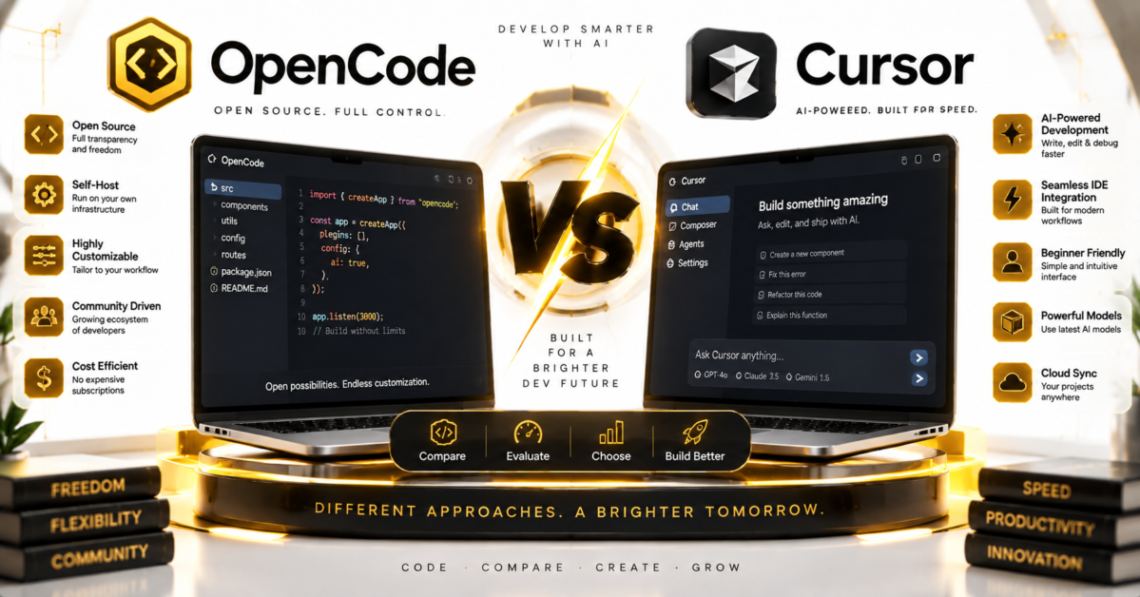
OpenCode vs Cursor solve the same basic problem, getting an AI agent to read your codebase and write code, but they start from opposite ends of the tooling spectrum. OpenCode is a free, open source terminal agent you can point at any model provider. Cursor is a full AI-native code editor, built as a fork of VS Code, that now ships its own frontier models alongside third-party ones. If you want the short version: pick OpenCode if you want a free, provider-agnostic tool that lives in your terminal and never locks you into one vendor. Pick Cursor if you want a polished, all-in-one editor with inline autocomplete, a visual diff review, and a company behind it building its own coding models.
Here’s what actually separates them once you get past the marketing.
What Each Tool Actually Is
OpenCode is an open source AI coding agent built by a company called Anomaly. It’s MIT licensed, meaning the entire codebase is public and forkable, and it runs as a terminal interface, a desktop app, a VS Code extension, or a web UI, according to OpenCode’s own documentation. It doesn’t ship its own model. Instead, it connects to whichever LLM provider you configure, including Anthropic, OpenAI, Google, DeepSeek, GitHub Copilot, Azure, Amazon Bedrock, and local models through Ollama or LM Studio.
Cursor is a commercial AI code editor built by Anysphere. It started in 2023 as a fork of VS Code and has since expanded well past that, adding its own in-house coding models (branded Composer), a Tab autocomplete engine that predicts multi-line edits, an autonomous Agent mode, and cloud-based Background Agents that work on isolated branches while you keep coding elsewhere. In a development that changes the ownership picture significantly, SpaceX completed an all-stock acquisition of Anysphere for $60 billion on August 14, 2026, making Cursor a wholly owned subsidiary operating under a new SpaceXAI division, according to filings reported by multiple outlets including Yahoo Finance and Seeking Alpha. That’s worth knowing if you’re evaluating Cursor’s long-term direction, since a company under a much larger parent can shift product priorities and pricing in ways an independent startup might not.
Quick Decision Summary
If you want to try any model, including local or self-hosted ones, without paying for the tool itself, OpenCode is the more flexible starting point. If you want an editor that already does the completions, diffing, and multi-file agent work out of the box, with a subscription that includes usage credits, Cursor is the more turnkey option. Teams standardized on VS Code who mainly want an agent layered in without switching editors tend to lean OpenCode. Developers who want the editor itself to be AI-first, with Tab-style completions as they type, tend to lean Cursor.
Pricing: Free-and-Optional vs Subscription Tiers
This is the starkest difference between the two, and it’s worth being precise about it.
OpenCode itself costs nothing. There’s no subscription to use the agent. What you pay for, if anything, is model access. You can bring your own API key from any provider and pay that provider directly, or use OpenCode’s own model gateway, called OpenCode Zen, which is a pay-as-you-go marketplace charging per token at rates OpenCode says it passes through at cost, according to OpenCode’s Zen documentation. There’s also a lower-cost subscription option called OpenCode Go, priced at $5 for the first month and $10 a month after that, which bundles access to a curated set of open-weight models like GLM, Kimi, and DeepSeek under monthly usage caps, per OpenCode’s Go documentation. Neither Zen nor Go is required to use OpenCode; they’re optional conveniences for people who don’t want to manage separate provider accounts.
Cursor works differently. According to Cursor’s official pricing page, the tiers as of this writing are:
Plan |
Price |
What it includes |
|---|---|---|
| Hobby | Free | Limited Agent requests, limited Tab completions, no credit card required |
| Pro | $20/mo | Extended Agent limits, access to frontier models, MCP support, cloud agents |
| Pro+ | $60/mo | Everything in Pro, plus 3x usage across OpenAI, Claude, and Gemini models |
| Ultra | $200/mo | Everything in Pro, plus 20x usage and priority access to new features |
| Teams | $40/user/mo | Everything in Pro, plus shared chats, centralized billing, SSO, role-based access |
| Enterprise | Custom | Everything in Teams, plus pooled usage, invoice billing, SCIM, audit logs |
Cursor’s free Hobby tier exists, but it’s meant for evaluation rather than daily professional use, since Agent requests and Tab completions are capped. Most working developers land on Pro or higher once they move past the trial period.
The practical takeaway: OpenCode’s cost floor is whatever you spend on model API calls, which can be near zero if you use a cheap or local model. Cursor’s cost floor is the editor’s own subscription price, on top of which model usage still draws down a credit pool once you exceed what Auto mode covers for free.
Model Access and Vendor Lock-In
OpenCode’s defining feature is that it doesn’t care which model you use. Its documentation lists more than 75 supported providers, and switching between Claude, GPT, Gemini, DeepSeek, or a locally hosted model is a configuration change, not a different product. That matters if you want to route cheap, fast models to routine tasks and save an expensive frontier model for hard problems, or if your organization has a policy requiring self-hosted or air-gapped model access.
Cursor supports multiple third-party models too, including OpenAI, Anthropic, Google, and xAI offerings, but it increasingly steers usage toward its own Composer models, which Anysphere has trained specifically to reduce latency and credit consumption on agentic tasks. Cursor’s Auto mode picks a model for you at no extra credit cost, while manually selecting a named frontier model like Claude Opus draws down your plan’s credit pool at that model’s API rate. This is a meaningfully different philosophy: OpenCode treats every model as interchangeable infrastructure, while Cursor is increasingly building its own model layer and using third-party models as a complement rather than the default path.
Editor Experience vs Terminal Experience
Cursor’s core advantage is that it’s a complete editor. Tab autocomplete predicts multi-line edits as you type, Agent mode handles multi-file tasks with a visual diff you approve or reject inline, and Background Agents can work in an isolated cloud environment on a separate git branch while you continue working locally, opening a pull request when finished. If your workflow depends on visual diffing, in-editor chat, and not context-switching to a terminal, Cursor’s packaging is hard to replicate with a CLI tool.
OpenCode’s core advantage is that it fits into whatever environment you already use. It runs in a terminal emulator like Ghostty, WezTerm, Alacritty, or Kitty, but it’s also available as a VS Code extension, a JetBrains plugin (via community and official integrations), and a desktop app, so you’re not locked into working exclusively from the command line. It has a Plan mode that lets the agent propose an implementation approach before touching any files, a Build mode that actually makes the changes, and simple /undo and /redo commands for reverting agent actions. Sessions can also be shared with a team via a generated link.
Neither approach is objectively better here. It depends on whether you want the AI baked into your primary editor’s UI, or want a lightweight agent you can attach to whatever tools you’re already running.
Open Source Status and Data Handling
OpenCode is fully open source under the MIT license, with its codebase public on GitHub under the anomalyco/opencode repository. As of early August 2026, it had crossed roughly 180,000 GitHub stars, per the community-maintained Awesome Coding Agents ranking, which tracks agent projects by verified star count. Being open source means you can audit exactly what the tool does, self-host it, or fork it if the maintainers ever take it in a direction you don’t want. OpenCode’s documentation also states its Zen and Go model gateways run on a zero-retention policy with hosted providers, meaning your prompts aren’t used for training, with a few clearly disclosed exceptions for models still in a free evaluation period.
Cursor is closed source. You can’t inspect its code or self-host the editor itself, though it does offer a Privacy Mode (with SOC 2 Type 2 certification, according to third-party coverage of Anysphere’s enterprise features) that limits how your code is stored and used. For teams with strict data-handling requirements, that certification may be enough, but it’s a different trust model than being able to read the source yourself.
Recent Ownership Change Worth Knowing
The SpaceX acquisition isn’t just a piece of business trivia. It changes who ultimately controls Cursor’s roadmap, and it followed a period where Microsoft reportedly examined acquiring Cursor and Cursor had turned down two approaches from OpenAI, according to reporting from Quartz. Whether SpaceX’s ownership changes Cursor’s pricing, enterprise focus, or model strategy going forward isn’t yet confirmed either way, since the deal only closed in mid-August 2026. It’s a factor worth watching if you’re choosing Cursor as a long-term dependency for your team, not a reason to avoid it today.
Who Should Choose Which
Choose OpenCode if:
- You want to try or compare multiple model providers without switching tools
- Cost matters more than a polished built-in UI, since the agent itself is free
- You need self-hosted, local, or air-gapped model support
- You want to audit or modify the tool’s source code
- You’re comfortable working from a terminal, or want the option to use it inside VS Code or JetBrains without a full editor switch
Choose Cursor if:
- You want AI baked directly into a full-featured editor, not a bolt-on agent
- Inline Tab autocomplete and visual diff review matter to your daily workflow
- You want a single vendor to manage model routing and billing for you
- Your team needs SSO, centralized billing, and admin controls out of the box
- You’re fine paying a fixed monthly subscription in exchange for less setup
For a broader look at how agentic terminal tools compare to editor-embedded assistants generally, our comparison of Claude Code and GitHub Copilot covers a similar terminal-versus-IDE trade-off. And if you’re still narrowing down your options across the wider AI coding tool category, our roundup of the best AI for coding puts OpenCode, Cursor, and their competitors side by side.
The Practical Takeaway
Neither tool is a strict upgrade over the other, because they’re solving for different priorities. OpenCode wins on cost flexibility, model choice, and transparency, since it’s free, open source, and provider-agnostic by design. Cursor wins on polish and completeness, since it’s a full editor with its own models, a visual interface, and enterprise-grade admin controls, now backed by SpaceX’s resources following the August 2026 acquisition. If you’re not sure which fits, OpenCode costs nothing to try beyond whatever model API usage you rack up, so testing it against a week of your actual work is a low-risk way to find out before committing to a Cursor subscription.