You find a long YouTube interview, a lecture, or a podcast uploaded as a video — and all you really want is the audio. Maybe to listen during your commute, save it for later, or use a clip for a project. The video part is irrelevant. So you start searching for a YouTube audio downloader, and within seconds you’re staring at dozens of tools all promising the same thing.
Some of them work. Some are covered in sketchy ads. And some are asking you to install software you really don’t need. This guide cuts through all of that — explaining how these tools actually work, which ones are worth trusting, what the legal situation actually looks like, and what smarter alternatives exist.
How Does a YouTube Audio Downloader Work?
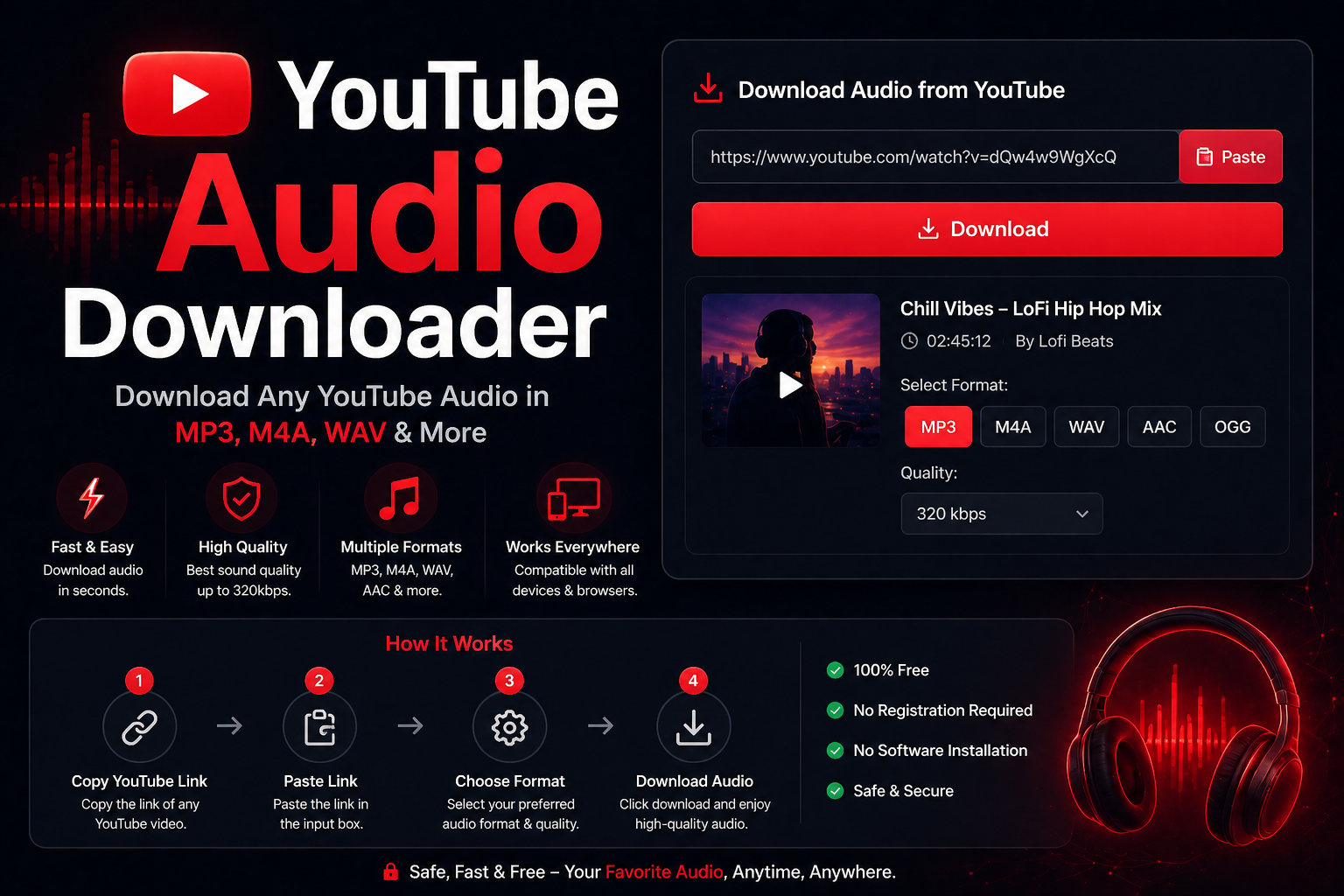
YouTube doesn’t offer a built-in “download audio” button for most content. So third-party tools fill the gap by extracting the audio stream from a YouTube video and converting it into a downloadable file — usually MP3, but sometimes M4A, WAV, or OGG depending on the tool.
The process is straightforward on your end. You copy the YouTube video URL, paste it into the tool, choose your audio format and quality, and download. Behind the scenes, the tool is accessing YouTube’s servers, pulling the video stream, stripping the video track, and converting what’s left into an audio file. Browser-based tools do this on their own servers and send you the finished file. Desktop apps like yt-dlp do it locally on your own machine.
The whole thing takes anywhere from a few seconds to a couple of minutes depending on video length and server load.
Tools That Are Actually Worth Using
yt-dlp (Best overall, free)
If you’re comfortable with a command line — or willing to spend twenty minutes learning the basics — yt-dlp is the most reliable YouTube audio downloader available. It’s open source, actively maintained, supports hundreds of sites beyond YouTube, and gives you complete control over quality and format. It doesn’t have a flashy interface, but it has never been killed by a YouTube update the way browser-based tools routinely are.
For extracting audio specifically, the command is simple: yt-dlp -x --audio-format mp3 [URL]. That’s it. The tool handles the rest.
4K YouTube to MP3 (Best desktop app)
For users who want a proper desktop application with a clean interface, 4K YouTube to MP3 is one of the most consistently recommended options. You paste a URL, select your quality preference, and the app downloads and converts automatically. The free version covers most use cases. It supports playlists and channels, which is particularly useful if you’re archiving a series of talks or lectures.
Browser-based tools (Convenient but inconsistent)
Tools like Y2Mate, YTMP3, and OnlineVideoConverter are the most commonly used YouTube audio downloaders because they require no installation. Paste a URL, click download, done. The problem is reliability. YouTube regularly updates its systems in ways that break these tools, meaning they often stop working without warning and reappear under a new domain. They also tend to show aggressive advertising — occasionally including misleading download buttons that install software rather than delivering audio files.
If you use a browser-based tool, stick to ones with a long track record, use an ad blocker, and never click anything other than the actual download button for your file.
For one-off downloads, browser-based tools are fine. For anything regular — archiving content, downloading playlists, ongoing projects — a desktop app or yt-dlp will save you significant frustration over time.
The Legal Side: What You Need to Know About YouTube Audio Downloader
This is the part most guides skip or gloss over. Here’s the honest picture.
Downloading YouTube audio technically violates YouTube’s Terms of Service, which prohibit downloading content without explicit permission from YouTube. That’s separate from copyright law — it’s a contractual restriction between you and the platform.
From a copyright standpoint, the situation depends entirely on the content. Downloading a song by a major label artist is copyright infringement, full stop. Downloading a Creative Commons lecture, a public domain recording, or content where the uploader has explicitly granted permission is a different matter. The content’s license — not the platform — determines what’s legally permissible to download and use.
Never use a YouTube audio downloader to download copyrighted music and redistribute it, use it in commercial projects, or upload it elsewhere. That crosses from Terms of Service violation into actual copyright infringement, which carries real legal consequences.
For personal, offline listening of content you’d otherwise be streaming anyway, enforcement against individual users is essentially nonexistent. But understand what you’re agreeing to — and apply extra caution the moment you consider using downloaded audio in any kind of project or publication.
Smarter Alternatives Worth Considering
Before reaching for a downloader, it’s worth knowing what legitimate alternatives exist.
YouTube Premium is the official route. It costs around $13.99 per month and includes offline downloads for both video and audio within the YouTube app. If you regularly save content for offline listening, it’s genuinely worth the cost — and it supports the creators whose content you’re consuming.
YouTube Music is included with Premium and covers most music use cases. If what you’re really after is music playback without ads, this is the cleaner solution.
Podcast platforms are worth checking before downloading anything. A surprising number of YouTube interviews, lectures, and long-form discussions are also published as proper podcasts on Spotify or Apple Podcasts — with full offline support built in.
Red Flags to Avoid
Not every YouTube audio downloader is safe. A few warning signs that should make you close the tab immediately:
- The site asks you to install a browser extension or desktop app before allowing a download
- Multiple fake “Download” buttons that lead to unrelated software installers
- Pop-ups or redirects to other sites when you click anything on the page
- The tool asks for your Google or YouTube login credentials
- No HTTPS in the URL bar
Legitimate tools don’t need your login. They don’t need extensions. And a real download button doesn’t redirect you to an unrelated installer.
Frequently Asked Questions
What is the best free YouTube audio downloader?
For pure reliability and quality, yt-dlp is the best free option — though it requires basic command line familiarity. For a proper desktop app with a visual interface, 4K YouTube to MP3 is excellent and has a functional free tier. For quick one-off downloads without installing anything, browser-based tools like YTMP3 work but are inconsistent and ad-heavy.
Is it legal to download audio from YouTube?
It depends on two things: YouTube’s Terms of Service (which prohibit downloading without permission) and the copyright status of the specific content. Downloading copyrighted music or videos for redistribution or commercial use is infringement. Downloading Creative Commons or public domain content for personal use sits in a different legal category. Personal offline listening of content you’d normally stream is a low-risk grey area — but you should understand the terms before deciding how to proceed.
What audio format should I download — MP3 or M4A?
MP3 is the safest choice for broad compatibility — it plays on every device, app, and platform without any conversion needed. M4A (AAC) generally offers slightly better audio quality at the same file size and is the native format YouTube uses internally, meaning there’s no re-encoding loss when downloading in M4A. If audio quality matters to you and you’re not worried about compatibility, M4A is the better technical choice. For everything else, MP3 is fine.
Why do YouTube audio downloaders stop working sometimes?
YouTube regularly updates its backend systems — partly to improve the platform and partly to block tools that access it without authorization. When YouTube pushes a significant update, many browser-based downloaders break until their developers patch the tool to work with the new system. This is why browser-based tools are unreliable long-term. yt-dlp and well-maintained desktop apps tend to receive patches quickly; smaller browser tools sometimes never recover and simply disappear.
A YouTube audio downloader is a genuinely useful tool when you have a legitimate reason to use one — offline listening, archiving public domain content, working with Creative Commons material. Just pick a tool that’s trustworthy, understand what you’re downloading and why, and keep the legal context in mind. The last thing you want is malware on your device or a copyright problem over a podcast you could have found on Spotify for free.