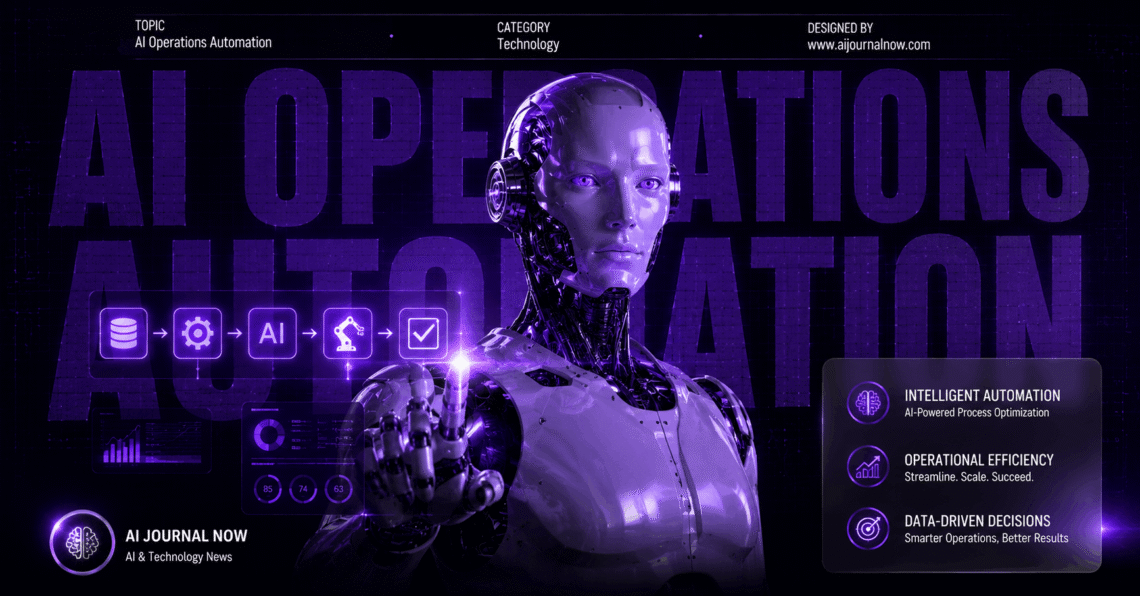
If you’ve been hearing a lot about AI Operations Automation lately, you’re not alone. It’s one of those shifts that quietly starts changing how entire teams work — before most people even notice it happening.
So what exactly is it? At its core, AI Operations Automation means using artificial intelligence to handle repetitive, rule-based, or data-heavy tasks that humans used to do manually. Think monitoring system alerts, triaging tickets, routing workflows, or detecting anomalies in real time. The AI doesn’t just follow a script — it learns, adapts, and often gets better over time.
And here’s the thing: it’s not just for tech giants. Small teams are using it too.
How AI Operations Automation Actually Works
The basic idea isn’t complicated. You connect AI models to your existing tools and data sources. The AI watches for patterns, flags issues, or triggers actions — all without someone having to sit there and babysit it.
Most platforms in this space rely on a mix of machine learning, natural language processing, and rule engines. They ingest data from logs, monitoring tools, communication channels, and customer systems. Then they act on it.
For example, imagine your server starts throwing errors at 2 a.m. Instead of an on-call engineer getting paged and blearily trying to diagnose the issue, the AI already knows what the pattern means. It’s seen it before. It either fixes it automatically or escalates with full context already assembled.
Tools like PagerDuty have been doing parts of this for years. But newer platforms go further. They don’t just alert you — they resolve issues, update tickets, and even communicate with customers.
The practical result? Fewer fires, faster resolution, and your team spending time on work that actually needs human judgment.
Real-World Uses of AI Operations Automation
Let me walk through a few concrete scenarios. These aren’t hypotheticals — they’re patterns I’ve seen play out across different industries.
IT and DevOps teams use AI Operations Automation to manage incident response. An anomaly gets detected, correlated with recent deployments, and a probable cause is identified — all in seconds. Dynatrace is a solid example of a platform doing this well.
Customer support teams use it to auto-tag incoming tickets, suggest replies, or escalate to the right agent. The AI reads the message, understands intent, and routes it faster than any manual system could.
Finance and compliance teams use it to monitor transactions for fraud signals or flag documents that need review. Instead of auditing everything manually, humans review only what the AI surfaces.
HR teams are using it to automate onboarding workflows — sending forms, scheduling check-ins, provisioning accounts — so new hires don’t fall through the cracks.
In my experience, the biggest wins come not from flashy AI features but from automating the boring handoffs. The stuff that nobody wants to do but everyone suffers when it doesn’t happen.
The Benefits and the Honest Tradeoffs
Let’s be real about both sides.
What works well:
- Speed. AI doesn’t get tired or distracted. It processes faster than any human team.
- Consistency. It applies the same logic every time, without mood or error.
- Scale. One AI model can monitor thousands of events simultaneously.
- Cost reduction. Fewer manual hours means lower operational overhead over time.
What requires thought:
- AI models need good data to perform well. Garbage in, garbage out — still true.
- Initial setup takes real effort. Connecting systems, training models, and testing takes time.
- Over-automation is a risk. Some decisions genuinely need a human in the loop.
- Explainability can be tricky. When something goes wrong, teams need to understand why the AI did what it did.
I’ve noticed that teams who succeed with AI Operations Automation tend to start small. They pick one workflow — say, ticket routing — and get that right before expanding. Teams that try to automate everything at once often end up with a mess.
Choosing the Right Tools
There’s no shortage of platforms here. The right choice depends on your team size, tech stack, and use case.
For IT ops, Moogsoft and Dynatrace are strong contenders. For broader workflow automation with AI built in, tools like Zapier (which has added AI features) or n8n give you flexibility without requiring deep engineering resources.
Enterprise teams often go with full AIOps platforms — a category that Gartner covers in depth if you want a deeper definition of the space.
A few things worth checking before committing to any tool:
- Does it integrate with your existing stack?
- Can non-engineers configure it, or does it need a developer for every change?
- What does the AI explain about its decisions?
- How does it handle edge cases or low-confidence situations?
Don’t let vendor marketing make the choice for you. Run a small pilot with real data from your environment. That tells you more than any demo.
Getting Started
You don’t need a massive budget or a dedicated AI team. Here’s how to think about getting started.
Step 1: Pick one painful, repetitive process. Something that eats hours every week and follows a clear pattern. Ticket routing, alert triage, and report generation are common starting points.
Step 2: Map the workflow manually first. Before automating, write out exactly what a human does. What data do they look at? What decisions do they make? and What do they do next? You can’t automate what you haven’t understood.
Step 3: Choose a tool that fits the workflow. Match the tool to the task. Don’t pick a tool and then find a use for it.
Step 4: Run it in observation mode first. Let the AI suggest actions without executing them. Review what it recommends. Correct it where it’s wrong. Build trust before you hand it the keys.
Step 5: Expand gradually. Once one workflow is stable, look for the next one. Build on what you’ve learned.
This isn’t a fast process the first time around. But the compound effect of well-implemented AI Operations Automation is real. Teams that have gone through this systematically often find they’ve quietly reclaimed 20–30% of their operational capacity.
What’s Coming Next in AI Automation
The space is moving fast. A few trends worth watching:
AI agents are getting more autonomous. They’re not just flagging issues — they’re taking multi-step actions across tools. This is exciting and also raises real questions about oversight.
Natural language interfaces are improving. You’ll be able to query your operational systems in plain English. “What caused the spike in errors last Tuesday?” — and get a useful answer, not a dashboard.
AI is getting better at explaining itself. This is critical for trust. Teams need to know why the AI flagged something or took an action. Interpretability is improving, though it’s not solved yet.
And honestly? The teams that will do best with AI Operations Automation are the ones investing in understanding what their AI is doing — not just trusting it blindly.
Wrapping Up
AI Operations Automation isn’t magic. But it is genuinely useful when applied to the right problems with the right expectations. It frees up human attention for work that actually requires human judgment. And it helps organizations scale without proportionally scaling their headcount.
Start small. Be curious about how it works. And don’t automate something you don’t yet understand.
That’s still the best advice I can give.
Also Read: AI Tools for Online Dating: What Actually Works in 2026