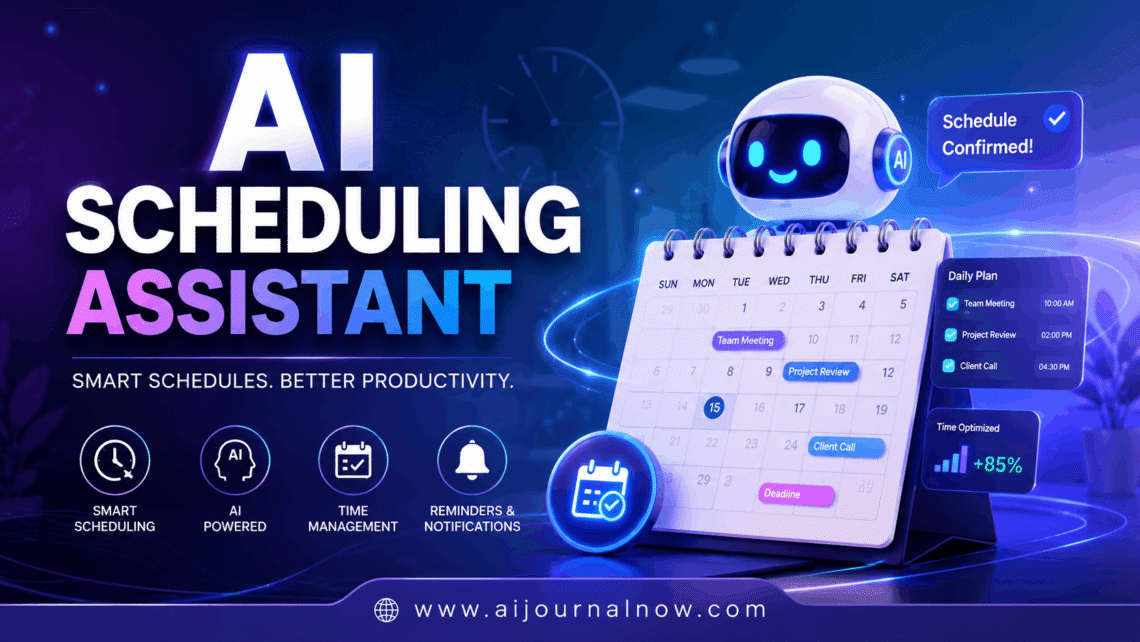
There’s a specific kind of exhaustion that comes from spending 25 minutes scheduling a 30-minute meeting. You send a time, they can’t do it; you suggest another, they’re in a different timezone; someone else needs to join, and suddenly it’s Thursday, and nothing’s booked. If you’ve felt that, you already understand the problem an AI scheduling assistant solves — you just might not know it has a name.
These tools have gotten genuinely impressive in the last couple of years. And they’re not just for executives with packed calendars anymore. Freelancers, small business owners, recruiters, coaches, consultants — anyone who books meetings regularly is a candidate for one of these tools.
Let me walk you through what they actually are, how they work, and what to consider before picking one.
What an AI Scheduling Assistant Actually Does
At the basic level, an AI scheduling assistant automates the back-and-forth of finding meeting times. But the better ones go well beyond that.
The simplest version works like a booking link — you share a URL, the other person picks a slot from your available times, and it lands on both calendars. Tools like Calendly have done this type of work for years. That’s useful, but it’s not really “AI” in any meaningful sense. It’s just showing your calendar availability through a link.
The more interesting tools do things like the following:
- Parse natural language. You say, “Schedule a 45-minute call with Marcus sometime next week; avoid Monday mornings,” and it figures out what that means, checks your calendar, and proposes times — or just books it.
- Negotiate on your behalf. Some tools can email back and forth with another person to find a mutual time without you touching it. You loop in the AI, it handles the conversation, and you just get a calendar invite at the end.
- Learn your preferences over time. The smarter tools notice patterns — you never book back-to-back calls, you prefer mornings for deep work, and you always want buffer time after client meetings — and start protecting those patterns automatically.
- Handle reschedules. When something falls through, a capable AI scheduling assistant doesn’t just delete the event. It proactively finds a new time and updates everyone involved.
How They Actually Work Under the Hood
You don’t need to know the technical details to use these tools, but understanding the basics helps you set expectations.
Most AI scheduling assistants connect to your calendar — Google Calendar, Outlook, or Apple Calendar — and read your availability in real time. When a request comes in, the tool cross-references that availability against whatever constraints you’ve set (working hours, buffer times, and meeting caps per day) and generates options.
The “AI” part comes in a few different ways depending on the tool. Some use large language models to understand natural language inputs, so you can talk to them like a person rather than fill out a form. Others use machine learning to analyse your scheduling history and get smarter about your preferences. A few do both.
Some tools also integrate with email. You CC your AI assistant on an email thread, and it jumps in, handles the scheduling conversation with the other party, and keeps you out of it. This is the version that genuinely feels like having an assistant. Tools like Reclaim.ai, Motion, and Clara have all taken different approaches to this task.
Who Gets the Most Out of These Tools
In my experience, the biggest wins come from people who book more than five or six meetings a week and find themselves mentally tracking too many “waiting to hear back” threads at once. That mental overhead is real, and it adds up.
Scenario: The Freelance Consultant
Say you’re an independent consultant juggling five or six client relationships. Every week involves some combination of status calls, new business conversations, and occasional quick syncs. You’re sending “how does Tuesday at 2pm work?” emails constantly, and each one requires following up when you don’t hear back.
An AI scheduling assistant changes the conversation to “Here’s my link; pick what works.” Or better – if you’re using something like Motion or Reclaim – it automatically schedules those recurring client calls into your week around your focused work time so client meetings don’t bleed into the hours you reserved for actual project work.
Scenario: The Recruiter
Recruiters are probably the single heaviest users of scheduling automation. Coordinating interviews across candidates, hiring managers, and panel members – with different time zones and availability constraints – is a logistical challenge. Tools like GoodTime and Prelude are built specifically for this use case, automating the entire interview scheduling workflow so recruiters can focus on the actual human parts of their job.
Scenario: The Small Business Owner
A salon, a coaching practice, a personal trainer, a therapist—any service business where clients book appointments benefits enormously from automated scheduling. Acuity Scheduling and Calendly handle intake forms, payment collection, reminder emails, and rescheduling all in one flow. The owner stops playing phone tag, and the client gets a frictionless booking experience.
The Features That Actually Matter
There are a lot of AI scheduling assistants out there, and they all list “smart scheduling” as a feature. Here’s what to actually look for:
- Calendar sync quality. Does it connect to all the calendars you use? Conflicts happen when your personal Google Calendar isn’t synced and you accidentally double-book a work meeting over a dentist appointment. The best tools sync across multiple calendars.
- Buffer time controls. Can you tell it “never book anything within 15 minutes of another meeting”? This sounds minor, but it’s the difference between a schedule that lets you breait to “and one that has you sprinting from call to call.
- Time zone handling. If you work with anyone in a different timezone — even occasionally — you need this to be automatic and invisible. The best tools show each person their times in their own timezone, without you having to do any math.
- Customisable availability. You shouldn’t have to be bookable at all hours just because you’re technically free. Good tools let you define booking windows separately from your actual calendar availability.
- Reminders and follow-ups. Automated reminder emails cut no-shows significantly. This should be a baseline feature, not a premium add-on.
- Rescheduling flow. What happens when someone cancels? Does the tool just clear the slot, or does it proactively help find a new time? The better tools handle the situation gracefully without pulling you back into the loop.
The AI Scheduling Assistant Worth Knowing About
A few specific names are worth mentioning because they represent different approaches to the same problem.
- Calendly is the simplest entry point. You share a link, people book, and that’s it. It doesn’t do much that’s genuinely “AI”, but it solves the basic back-and-forth problem well and has a free tier that works for many people.
- Motion goes deeper — it’s a full work scheduler that treats your meetings and tasks as a unified system. It’ll automatically reschedule your to-do list around new meetings and protect blocks of deep work time. It’s more complex to set up, but genuinely powerful if you want your whole day managed, not just your meetings.
- Reclaim.ai focuses on habits and priorities. You tell it you need two hours of focus time every morning and a 30-minute lunch break, and it defends those blocks automatically as your calendar fills up. Good for people who struggle to protect non-meeting time.
- Clara is the closest thing to a human assistant—it joins email threads, corresponds with other people on your behalf, and handles the full scheduling conversation. The most “AI assistant”-feeling of the bunch and priced accordingly.
- Acuity Scheduling is the go-to for service businesses that need client-facing booking with intake forms, payments, and automated communications built in.
What AI Scheduling Assistant Won’t Fix
It’s worth being honest about the limits,as the marketing for some of these tools can outpacef reality.
An AI scheduling assistant is great at logistics. It’s not great at judgement calls. It can’t tell whether a meeting actually needs to happen, whether a particular client relationship warrants a longer slot, or whether you should decline something entirely. Those calls are still yours.
And setup takes real time. You need to define your preferences, connect your calendars, set your availability windows, and often tweak things a few times before it works the way you want. The payoff is absolutely worth it, but go in expecting to invest an hour or two upfront rather than assuming it just works out of the box.
There’s also a small etiquette consideration. Some people find scheduling links impersonal — especially in contexts where relationship-building matters. Sending “here’s my Calendly” to a warm lead or a senior executive can occasionally read as dismissive, depending on your industry. Worth thinking about who you send links to versus who you schedule manually.
Getting Started Without Overthinking It
If you’re new to scheduling and not sure where to start, use Calendly’s free plan for a month. Connect your calendar, set your availability, and start sharing your booking link instead of sending “does this time work?” emails. See how much mental energy that frees up.
If you find yourself wanting more — smarter scheduling, task integration, and preference learning — then look at Motion or Reclaim depending on whether your bigger pain point is meeting overload or deep work time protection.
The point of an AI scheduling assistant isn’t to hand your calendar to a robot. It’s to stop spending cognitive energy on logistics that a computer handles better than you do anyway so you can spend that energy on the things that actually require a human. That trade is almost always worth making.