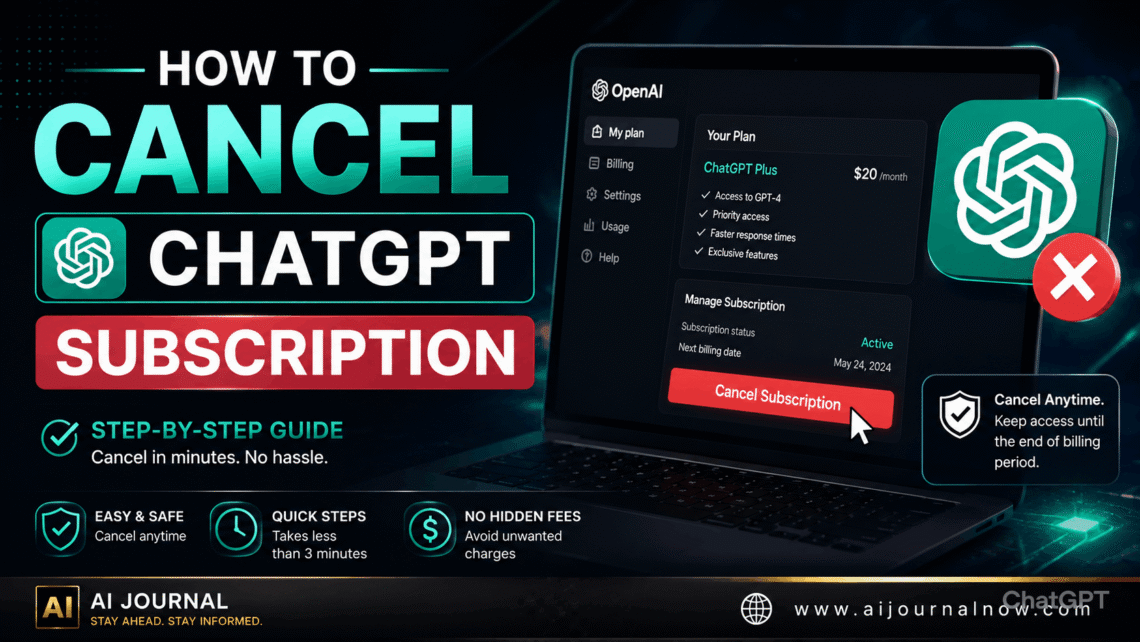
If you’ve been wondering how to cancel your ChatGPT subscription but keep coming into confusing menus or unclear directions, you’re not alone. It’s one of those things that should take two minutes but turns into a ten-minute quest. This guide gets to the heart of that. Whether you joined up on a computer, iPhone, or Android device, you’ll find the exact steps you need right here—plus answers to the most common issues people have when they cancel.
How to Cancel Your ChatGPT Subscription on Desktop or Web
This is the simplest way. And it works whether you’re using a Mac, a Windows PC, or any browser on a tablet.
Step 1: Navigate to [chat.openai.com](https://chat.openai.com) and log in to your account.
Step 2: Tap on your profile photo or name on the bottom left of the screen.
Step 3: Click on “My Plan” from the menu that pops up
Step 4: You should see your current subscription details. Click on “Manage my subscription”—this will take you to a Stripe billing page, the payment processor that OpenAI utilizes.
Step 5: On the Stripe page, click Cancel Plan or Cancel Subscription
Step 6: When prompted, confirm the cancellation.
That’s all. You will shortly get a confirmation email from OpenAI. Save that e-mail as proof that the cancelation has taken place.
Here’s something to keep in mind: your Plus access isn’t going away right now. You will retain all benefits for the remainder of your current paying cycle. So if you pay on the 1st and then cancel on the 15th, you still get Plus until the end of that month.
How to Cancel ChatBot Subscription on iPhone & iPad
If you subscribed to ChatGPT Plus via the App Store, the billing is done by Apple rather than OpenAI directly. So you won’t find a cancel button on the ChatGPT app. Instead, you need to go through your Apple subscription settings.
Here is how:
Step 1: Launch the Settings app on your iPhone or iPad.
Step 2: Tap your name, which appears at the very top of the screen, to arrive at your Apple ID settings.
Step 3: Click Subscriptions.
Step 4: Locate ChatGPT Plus in your list of active subscriptions and tap on it.
Step 5: Tap “Cancel Subscription” and confirm your decision.
Or you may do that through the App Store. Open the App Store, tap your picture in the upper right corner, tap “Subscriptions,” and continue with the same instructions.
You’ll keep access till your billing cycle expires again. Apple will give you a confirmation, and the subscription will not automatically renew on the following billing date.
How to Cancel ChatGPT Subscription on Android Phone
Android is like the iPhone but uses Google Play instead of the App Store. If you subscribed via the ChatGPT Android app, here’s how to cancel:
Step 1: Open the app called Google Play Store.
Step 2: Tap the profile icon in the upper right corner.
Step 3: Go to Payments & subscriptions, then press on Subscriptions.
Step 4: Locate ChatGPT in the list and tap it.
Step 5: Choose “Cancel Subscription” and finish the confirmation.
Google Play will give a confirmation as well. Like Apple, your Plus features will be live for the rest of your paid time, not vanish the second you cancel.
What Happens When You Cancel Your Subscription to ChatGPT
This is where a lot of people get confused, so it’s important to state it out clearly.
Your Plus subscription remains active. You’ll continue to have access to Plus features until the end of your billing period. If your renewal date is two weeks away, cancelling today means you’ll still get two weeks of access to GPT-4o, increased use restrictions, and everything else that comes with Plus.
Your account is still active. Canceling Plus does not remove your ChatGPT account. Your chat history, custom instructions, and GPTs you’ve made or stored will not be impacted. Then you just drop back down to the free tier.
Still works great on the free tier. Once your Plus time is over, you can keep using ChatGPT, albeit with the limits of the free plan. That means you might have access to a more limited version of GPT-4o depending on demand, and you won’t get priority access during busy times.
You can resubscribe anytime. If you cancel and then decide you want Plus again, you can resubscribe at any time through the same menus. All your old settings and history will still be there.
Typical Issues When Trying to Cancel
Sometimes the problem is not how to cancel the ChatGPT subscription, but something goes wrong in the process. Here are some common hitches and how to address them.
Where is the ‘Manage My Subscription’ option?
This usually means you subscribed using a mobile app, not through the website. If such is the case, then the billing is not handled by OpenAI but by Apple or Google. Skip the ChatGPT website and head straight to your device’s subscription settings.
Still being charged after cancellation
First, make sure you get an email confirming your cancellation. Otherwise, the cancelation may not have gone through properly. Return to the site and review your subscription status under My Plan. If you’re being charged but everything looks cancelled on your end, please contact OpenAI support directly at help.openai.com. Keep your confirmation email for documentation purposes.
You Don’t Know What Platform You Subscribed On
Look for the original subscription confirmation in your email inbox. If it was from Apple, you subscribed through the App Store. And if it was from Google, it was the Play Store. and it was from Stripe or OpenAI directly; you signed up on the website.
Cancel? No, pause!
If you’re unsure—maybe you’re just not using ChatGPT enough at the moment to warrant the expense—it’s worth noting that OpenAI doesn’t presently offer a formal “pause” option for subscriptions. It’s cancel or keep paying.
That said, you do have access until your paying cycle ends, so you could always unsubscribe now and just resubscribe when you need it again. You can do it with no penalty, no gap in your history, and no difficult reactivations. This is a great tactic if your consumption is seasonal or project-oriented.
For example, freelancers might find the Plus version of the model more useful at a busy time with clients but less so during quieter times. Students could want it for a semester, not for the summer. Cancelling and resubscribing as needed is a totally fair strategy to manage the expense.
ChatGPT Subscription Cancellation: A Brief Overview
Because sometimes you just want it short:
– Desktop/Browser: chat.openai.com -> Profile -> My Plan -> Manage My Subscription -> Cancel Subscription
– iPhone/iPad: Settings → Apple ID → Subscriptions → Cancel → ChatGPT Plus
– Android: Google Play > Profile → Payments & Subscriptions → Subscriptions → ChatGPT → Cancel
But however you do it, it takes less than five minutes once you know where to search. And remember, you don’t lose access right away. Any leftover paid time is yours to use.
Conclusion
Whether you want to save costs, utilize another AI tool, or just take a break, knowing how to cancel a ChatGPT subscription is really useful. There are multiple processes based on how you originally signed up, but none of the approaches are complex once you know which one applies to you. Look at your initial subscription confirmation email to see where you signed up, follow the steps for that platform, and keep your cancellation confirmation when it arrives.
No fuss, no moves in the back. Just a clear exit when you’re ready.
FAQ: How to Cancel Your ChatGPT Subscription
Q1: If I cancel mid-month, do I get a refund for the unused days?
Not often. OpenAI’s regular policy does not provide prorated refunds for cancellations mid-billing cycle. Your Plus access will be valid until the end of the paid-for period, but wasted days will not be compensated. For any particular billing issues, please reach out to OpenAI support directly.
Q2: Will cancelling destroy my conversation history?
No. Canceling your Plus subscription will not destroy your account and chat history. Everything is intact. You just revert to the free plan at the end of the billing cycle.
Q3: I cancelled, but I’m still being charged. What can I do?
First, be sure to check for your cancellation confirmation email. If it does and you still get charged, email us at help.openai.com with your confirmation as proof. If you subscribed via Apple or Google, please contact their billing support teams for help. Those are costs from them, not OpenAI.
Q4. What if I cancel and re-subscribe? Will I lose anything?
No. You can cancel or re-subscribe at any time. No matter if you subscribe or not, your account, history, stored GPTs, and custom instructions will still be there. Just resubscribe, and Plus features will continue to work.
Q5: Does knowing how to cancel a ChatGPT subscription work the same for ChatGPT Team or Enterprise plans?
Not really. Team and Enterprise plans are administered differently, usually through an admin dashboard or directly with OpenAI’s sales and support team. The procedures in this article are for individual ChatGPT Plus subscriptions. If you are on a team or enterprise plan, please contact OpenAI support for help unique to your account type.
Also Read: Edge AI News: What’s Happening Right Now and Why It Matters


