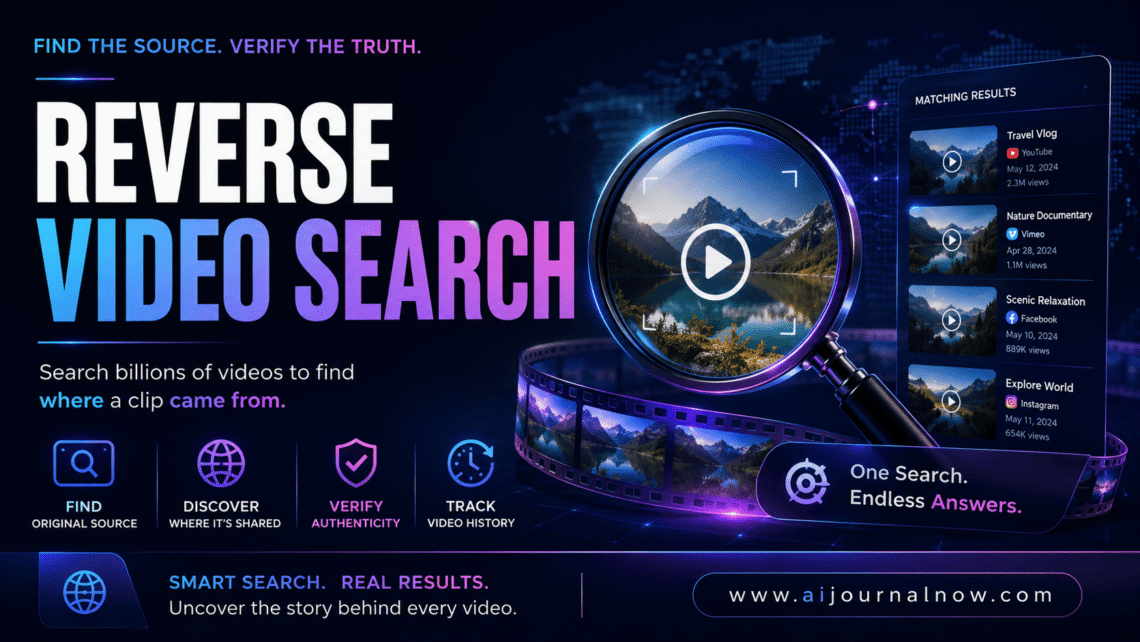
Reverse Video Search – Find The Real Source Of Any Video
You’ve seen it on social media somewhere—the spectacular footage, the viral moment, something almost too wild to be real. Reverse video search is the way to find out where the clip actually came from, when it was initially posted, and whether it’s being utilized in good faith.
Most people know of reverse image search, where you upload a photo and it tells you where else that photo is found online. Reverse video search works on the same idea, except for video content—and considering how much false footage gets passed around on platforms every day, it’s a genuinely important ability to have.
This article walks you through just how it works, the best tools to accomplish the job, and the real-world situations in which you’d actually want to utilize it.
What Is A Reverse Video Search?
Reverse video search is when you take a video clip — or a single frame from a video — and use it to search the internet for video content that matches or is related. Instead of searching with text keywords, you search with the visual content itself.
The purpose is usually to trace the original source of a video, see where else a clip has been broadcast, check if footage is real, or track how much a video has spread.
Text searches use words and metadata, while reverse video search looks at visual fingerprints—the actual pixel data, motion patterns, and scene composition in the movie. More advanced techniques may even recognize material despite a clip being cropped, re-colored, or minimally altered.
It’s a niche skill, but when you realize it exists, it’s surprisingly practical.
How does reverse video search work?
How reverse video search works depends on the technology you use, but the two most popular ways it works are frame extraction and video fingerprinting.
The more simple way is frame extraction. You take a still image from a significant moment in the video, then run it through a reverse image search engine—Google Images, TinEye, or Yandex Images. Because many videos are disseminated on the Internet as screenshots or thumbnail photos, this method often finds the original source, relevant articles, and other sites that reposted the clip.
Video fingerprinting is more complex. It is used internally by platforms such as YouTube, which uses an information ID system that generates a digital fingerprint of a video’s audio and visual information and then immediately flags any uploads that match. Some third-party applications utilize matching technology similar to that used to find duplicate or derivative films across the web.
Most practical uses do. The first step is frame extraction. It’s easy to access, doesn’t need any extra software, and works well enough to answer the most basic question of all: Where did this clip originate?
Top Reverse Video Search Engines
Google Images and Reverse Video Search
Google Images does not accept video files directly, but it’s still one of the greatest entry points for reverse video search using frame extraction. Find an image from the clip that stands out to you, maybe a photo that establishes the environment, or a face, or a place you recognize, and post it to Google Images.
Google’s visual search engine cross-references that image with billions of indexed images and pages, often yielding news stories, original YouTube uploads, or social network postings featuring the same scene. The best results are when the tape is from a news event or a story that has been covered extensively.
Reverse video search with Yandex
The Russian search engine Yandex features a reverse image search that many experts find more powerful than Google’s for some types of information—especially for following film that moves across Eastern European or Russian-language media ecosystems. The procedure is the same: get a frame, upload it to Yandex Images and look through the results.
It’s worth doing Google and Yandex searches simultaneously. They index distinct portions of the web, and results that don’t show in one will often show in the other.
InVID and WeVerify
For more systematic reverse video search work, InVID (now part of the WeVerify toolbox) is the most purpose-built alternative accessible. Built to help journalists and fact checkers, it’s a browser extension that automatically slices films into keyframes and uploads them to many search engines at once.
It also gives methods for verifying upload dates, geolocation clues, and contextual verification and analyzes video metadata. For anyone conducting serious verification work, InVID/WeVerify is the most capable free tool in this sector.
TinEye
TinEye is good at finding where particular photos show up on the internet and, like Google Photos, is good for reverse video search using frames. It’s especially good at identifying altered or edited versions of an image—crucial if you want to know whether video material has been transformed prior to being shared.
Real-World Applications of Reverse Video Search
Fact-Checking and Misinformation Detection
This is the most important use case. When a video is shared with a claim attached—”this footage shows X happening in Y city”—reverse video search can swiftly discover if that claim holds up. It’s a technique regularly used by journalists and fact checkers to determine if film is really from the period and area claimed.
This is a familiar pattern: old film repurposed with fake context on breaking news. A video filmed years ago is uploaded as if it were happening now. The original publishing date is searched for, and reverse video search finds the chronology.
Copyright and Content Security
Reverse video search is used by content providers, businesses, and media corporations to track unauthorized use of their footage. If you have made a video that is getting reposted without your permission, searching for related content on several platforms will help you find out where your work has been copied from.
This is important for monetization, licensing, and protecting creative work with real financial worth.
User-Generated Content Review
Marketers and brand managers that use user-generated material in campaigns need to check that footage is original and owned by the individual submitting it. A reverse video search of the provided clips can be used to validate that the user hasn’t just downloaded and re-uploaded someone else’s footage.
For academic and research use
Reverse video search is used by researchers examining media diffusion, misinformation ecosystems, or visual propaganda to follow the ways individual clips circulate across platforms and how the context shifts as they are shared. It’s a useful tool for media analysis and disinformation investigation.
Reverse Video Search Limitations
It’s as crucial to know what reverse video search can’t do as it is to know what it can.
Not completely automated. Text search is rapid and thorough; it is generally a tedious process—extract frames, upload them one by one, and evaluate the findings. It is a workflow, not a one-click fix.
The choice of frame is important. The quality of your results depends greatly on the frame your search is based on. Generic or fuzzy frame results are ambiguous. A crisp, identifiable frame from a given scene is much better. There is judgment involved.
Edited or reprocessed video is more difficult to track. Visual matching is less reliable when the clip has been heavily cropped, or filtered, or mirrored, or when text has been placed. Advanced editing can somewhat beat systems based on frame-based search.
Not full coverage Search engines don’t index everything. And if it’s online, but only in private groups, on less-indexed sites, or in direct messages, it won’t be showing up in searches.
No one tool does it all. Don’t expect full verification from a single search. Usually, the same frame is run through many tools and cross-referenced to what each tool produces to get reliable findings.
Reverse Video Search: Getting Better Results
Some practical habits that can improve outcomes:
Select your frame carefully. Find a unique moment—an identifiable place, an odd object, or a special movement. Don’t use faces in crowds, generic sky pictures, or fuzzy photos.
Try different frames from the same clip. Results vary each scene. If you run three or four frames across the same video, chances are pretty good you’ll find the original source.
First check the metadata. Before looking visually, check any available metadata—upload date, platform, account history, and description text. The metadata cues typically lead you directly to the source and minimize the amount of hunting you need to perform.
Use Google and Yandex, both. This one simple step doubles your coverage and often finds results that one engine alone would never discover.
Frequently Asked Questions
Q1: Can I submit the real video file to perform a reverse video search?
Most tools won’t take the whole video file as input. The usual way is to take a still and then search for the picture. InVID/WeVerify automates this stage for online videos, accelerating the process.
Q2. How trustworthy is reverse video search for journalism?
It’s an excellent first step, but expert verification is a multi-phase process. Reverse video search can be used to help locate possible original sources. Confirming the authenticity of a video takes cross-referencing with other evidence, analyzing metadata, and often contacting sources directly.
Q3: Does IT follow videos that are uploaded to private sites?
No. Search engines only index publicly available data. Videos posted in private groups, encrypted messaging applications, or unlisted on platforms won’t show up in results.
Q4: Are there paid tools that provide better reverse video search?
Yes. There are more thorough video matching options like Berify and other enterprise media monitoring services. But for most individual users the free programs—Google Images, Yandex, and InVID—fulfill most practical demands.
Q5: What is the difference between reverse video search and searching the video title on Google?
Text search depends on how others have described or tagged the video. A reverse video search looks at the video itself, so even if the titles have been changed, the captions are incorrect, or the film is being shared with no text description whatsoever, it can still discover the source.
Why this skill is important
The sheer volume of video online—much of it decontextualized, mislabeled, or downright invented—makes reverse video search one of the more practically relevant skills in the digital literacy toolkit. It won’t always be definitive, but it will always give you better information than believing a clip at face value.
Whether you’re a journalist fact-checking film, a brand safeguarding its content, or just someone who wants to know if that viral clip is really what it purports to be—this is a skill worth knowing.
Also Read: Sierra AI: What It Is and Why Businesses Are Betting Big on It