
Choosing the right AI art tool often leads to a frustrating cycle: you try three or four options, get decent results from all of them, and still can’t tell which one actually fits your workflow. This AI image generator comparison cuts through that by showing what each tool does well, where it falls short, and who should use it.
We’re comparing six of the most widely used platforms: Midjourney, DALL-E 3 (via ChatGPT and the OpenAI API), Adobe Firefly, Stable Diffusion (through platforms like DreamStudio and local installs), Ideogram, and Leonardo AI. Each has a different personality, and that matters more than most comparison charts let on.
Quick Verdict
If you want the most consistently gorgeous, artistic output and don’t mind a bit of a learning curve, Midjourney still leads the pack. If you need something that understands plain-English prompts and integrates into a writing workflow, DALL-E 3 through ChatGPT is difficult to beat. And if you want full control, local hosting, or commercial licensing flexibility, Stable Diffusion is the one worth the setup effort.
None of that means the others aren’t worth considering. Adobe Firefly has a genuinely useful edge for anyone already inside the Adobe ecosystem, and Ideogram has quietly become the best option when you need readable text inside an image, which used to be nearly impossible with this category of tool.
AI Image Generator Comparison at a Glance
| Tool | Starting Price | Best For | Learning Curve | Commercial Use |
|---|---|---|---|---|
| Midjourney | $10/month | Artistic, stylized visuals | Moderate | Yes (paid plans) |
| DALL-E 3 | Included with ChatGPT Plus ($20/mo) | Natural language prompting | Low | Yes |
| Adobe Firefly | Free tier, $9.99/mo for Premium | Adobe workflow integration | Low | Yes |
| Stable Diffusion | Free (self-hosted) / varies by platform | Customization, control | High | It depends on the license. |
| Ideogram | Free tier, $8/mo for paid plans | Text-in-image accuracy | Low | Yes |
| Leonardo AI | Free tier, $12/mo for paid plans | Game assets, concept art | Moderate | Yes |
Pricing changes fairly often in this space, so treat these as a snapshot as of mid-2026 rather than gospel. Check each provider’s official pricing page before you commit to a plan.
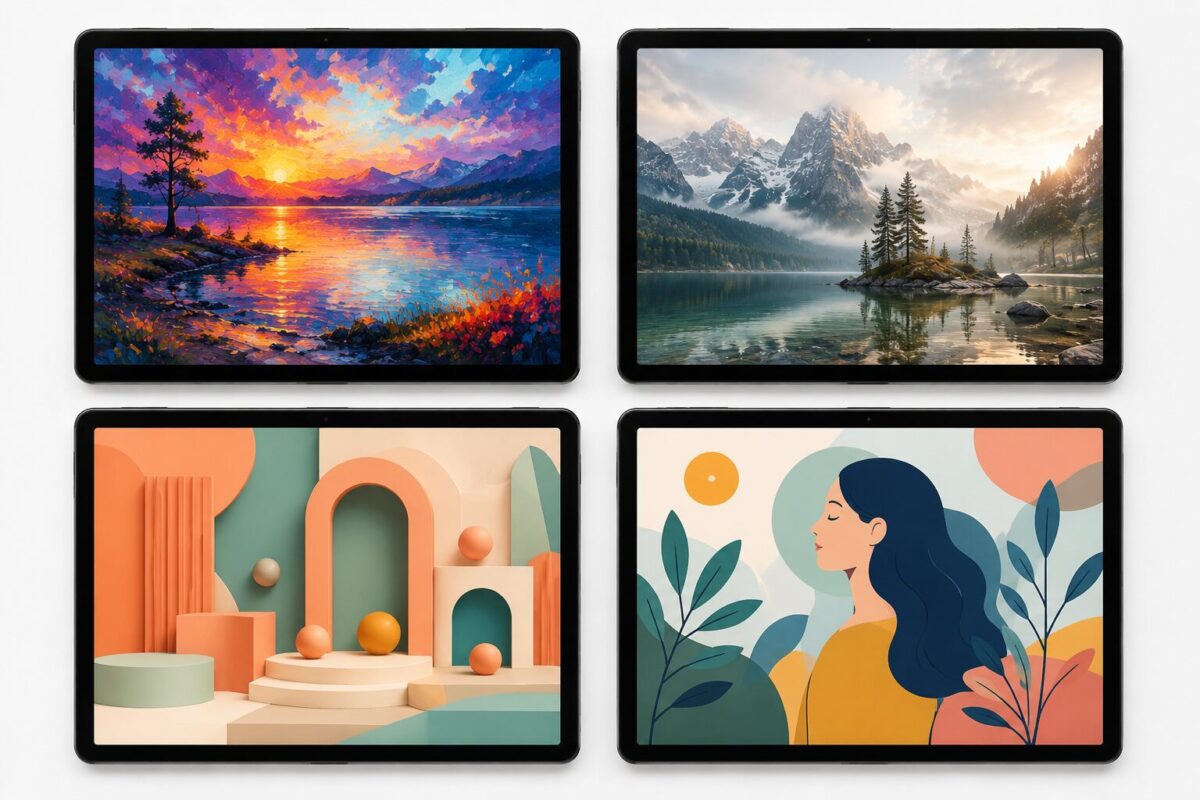
Midjourney: Still the Artistic Benchmark
Midjourney built its reputation on output that looks less like “AI art” and more like something a skilled illustrator or photographer produced on purpose. That reputation still holds up. The lighting, texture, and composition choices it makes by default tend to be more visually striking than what you get from tools optimized purely for prompt accuracy.
The catch is that Midjourney runs primarily through Discord, which trips up many first-time users. There’s a web interface now, which helps, but the workflow still feels a step removed from a traditional app experience. In my experience, people who stick with it past the first week tend to become genuinely loyal to it, mostly because the results are worth the friction.
Pricing starts around $10 a month for the Basic plan, with higher tiers unlocking faster generation and more simultaneous jobs. You can check current details on the official Midjourney website.
Where it struggles: literal accuracy. If you need an image that matches a very specific, detailed description exactly, Midjourney sometimes takes creative liberties you didn’t ask for.
DALL-E 3: The Easiest On-Ramp
DALL-E 3, developed by OpenAI, is the tool most people end up using without even realizing it’s a separate product, since it’s built directly into ChatGPT. That integration is its biggest strength. You can describe an image in plain conversational language, ask for revisions the same way you’d talk to a person, and get a reasonable result on the first or second try.
What tends to surprise people is how well it handles complex, multi-element prompts. Ask for “a golden retriever wearing a raincoat sitting on a red bicycle in front of a bakery,” and it usually nails most of those elements at once, which is genuinely difficult for this category of model. Full details on capabilities and usage are available in OpenAI’s official documentation.
It’s not the most artistically distinctive of the group. Output can feel a little safe, a little smoothed-over. But for speed, accuracy to the prompt, and ease of use, it’s tough to argue with.
Adobe Firefly: Built for People Already in Adobe’s World
Firefly’s biggest selling point isn’t raw image quality, though it’s genuinely competitive. It’s that Firefly is trained on Adobe Stock images and licensed content, which gives it a cleaner commercial-use story than some competitors. If you’re a business worried about copyright exposure, that matters more than it sounds like it should.
Firefly plugs directly into Photoshop, Illustrator, and Express, so if your workflow already lives in Creative Cloud, generating and editing happens in the same place instead of bouncing between apps. You can find current plan details on Adobe’s official Firefly page.
One thing worth flagging: Firefly’s free tier is generous for casual use but limits generative credits fairly quickly if you’re producing images at any real volume.
Stable Diffusion: Maximum Control, More Effort Required
Stable Diffusion is a different kind of tool entirely. Because it’s open-weight, you can run it locally, fine-tune it on your images, and skip the usage limits that come with hosted platforms altogether. Photographers, game studios, and developers building custom pipelines tend to gravitate here for exactly that reason.
The tradeoff is setup complexity. Getting a local install running well, with the right checkpoints and extensions, is not a five-minute task. Hosted versions through platforms like DreamStudio smooth that out somewhat, but you lose some of the customization that makes self-hosting worthwhile in the first place. Background on the underlying technology is available on Stable Diffusion’s Wikipedia page, and official tools live at Stability AI’s website.
Licensing terms for commercial use vary depending on which version and license you’re working under, so it’s worth reading the specifics before using output commercially.
Ideogram: The One That Actually Gets Text Right
For years, every AI image generator produced garbled, nonsensical text when you asked for a sign, a label, or a logo with real words on it. Ideogram was one of the first tools to genuinely solve the problem, and it remains noticeably better than most competitors.
If your work involves mockups, posters, packaging concepts, or anything where legible text inside the image matters, this software is the tool that saves you the most editing time afterward. It’s also simply easier to use than most of the alternatives here, with a clean interface and a generous free tier.
Leonardo AI: Built With Game Developers in Mind
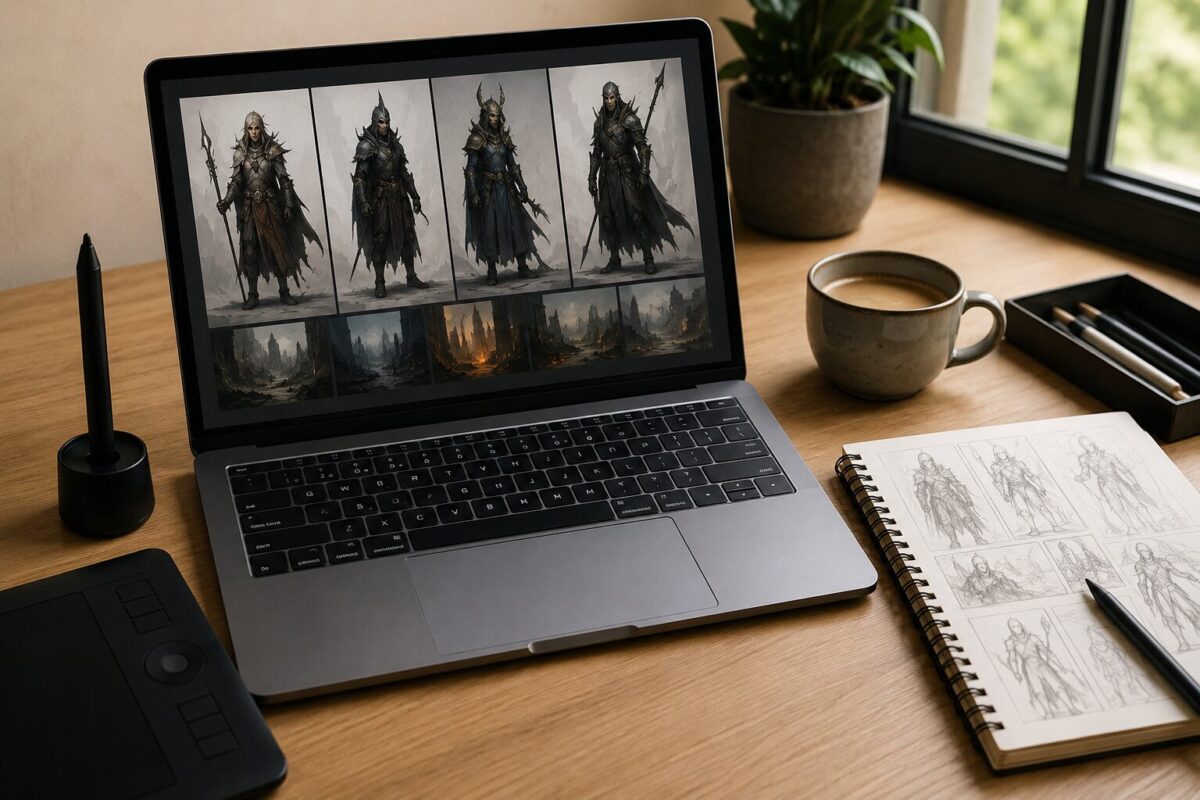
Leonardo AI leans into concept art, character design, and game asset generation more than the others on this list. It offers fine-tuned models for specific styles, along with tools for generating consistent characters across multiple images, which is a genuinely challenging problem in this space.
It’s not necessarily the best general-purpose choice if you just need a quick blog header image. But for anyone building a game, a tabletop RPG, or a visual-heavy creative project that needs stylistic consistency, it earns its place on this list.
AI Image Generator Comparison: How to Choose Between Them
The honest answer is that most people don’t need just one. Many working designers and marketers keep two tools in rotation: something fast and prompt-accurate like DALL-E 3 for quick drafts and something more artistically distinctive like Midjourney for final polished pieces.
If budget is the deciding factor, start with free tiers. Firefly, Ideogram, and Leonardo all offer usable free plans that let you get a real feel for output quality before paying anything. Stable Diffusion is free if you’re willing to self-host, though the electricity and hardware costs are worth factoring in if you’re running it constantly.
If licensing and commercial safety are the priority, Firefly’s Adobe Stock training data gives it an edge that’s difficult to replicate elsewhere right now.
AI Image Generator Comparison: Frequently Asked Questions
Which AI image generator produces the most realistic photos? DALL-E 3 and Midjourney both handle photorealism well, though Midjourney’s default style leans slightly more stylized unless you specifically prompt for a photographic look.
Can I use AI-generated images commercially? Generally yes, but the terms differ by tool and by plan tier. Always check the specific license attached to your subscription, since free tiers sometimes restrict commercial use where paid tiers don’t.
Is Stable Diffusion really free? The model itself is free to run if you have the hardware, but most people access it through hosted platforms that charge per generation or via subscription.
Do any of these tools generate text accurately inside images? Ideogram is currently the strongest at this task, partly because it was designed to solve that exact logo and label problem. DALL-E 3 has improved noticeably here too, though it’s still less reliable than Ideogram for longer text strings.
How often does pricing change for these tools? Pricing changes fairly often, especially for newer platforms that are still establishing themselves. It’s worth checking each provider’s official site directly rather than relying on older comparison articles, including this one, for exact current pricing.


