
You’ve probably said some version of it without giving it much thought. “Hey Siri,” “Hey Google,” and “Alexa.” These are all cousins of the same idea, and when people search for “hey artificial intelligence,” they’re usually trying to understand that broader pattern: how we talk to machines, why a specific phrase triggers a response, and what’s actually happening in the split second between your voice and the AI’s answer.
This isn’t a single product or app. It’s a category of interaction that’s become so normal that most of us don’t stop to ask how it works. So let’s actually look at it.
What “Hey Artificial Intelligence” Really Refers To
At its simplest, this phrase describes the wake-word pattern used by voice assistants, the short trigger phrase that tells a device to start listening and processing what comes next. Every major assistant has its version. Apple uses “Hey Siri,” Google uses “Hey Google” or just “OK Google,” and Amazon’s devices respond to “Alexa” by default, though you can change that in settings.
The exact words vary by platform, but the underlying concept is the same. A short, specific phrase acts as a gate. Say it, and the microphone that’s normally just listening for that one pattern switches into active listening mode, ready to send your next sentence off for processing.
In my experience, most people don’t realize how much engineering sits behind that split-second transition. It looks effortless because the challenging parts happen silently, on-device, before your words ever reach a server.
How the Wake Phrase Actually Works Under the Hood
Here’s what tends to surprise people: your device isn’t sending everything you say to the cloud all the time. That would be a privacy nightmare, and it would drain the battery fast. Instead, a small, low-power model runs constantly on the device itself, trained to recognize the acoustic pattern of just one phrase.
This local model doesn’t understand language the way the full AI system does later. It’s narrower than that. It’s listening for a specific sound shape, a rhythm and pitch pattern that matches “Hey Siri” or “Alexa,” and largely ignoring everything else. Once that pattern is detected with enough confidence, the device wakes up, starts recording, and streams the rest of your request to a more powerful model, either on-device or in the cloud, depending on the platform and the complexity of what you’re asking.
Apple has published details on how this two-stage detection works for Hey Siri, and Google documents a similar setup for Hey Google. Both companies emphasize that the wake-word listener itself processes audio locally rather than continuously uploading it, which matters a lot for how people think about privacy in these systems.
False triggers happen, and they happen more than most companies like to admit. A word that sounds close enough, background noise with a similar rhythm, or even a TV commercial using the trigger phrase can set things off. Manufacturers tune their models constantly to cut down on these occurrences, but it’s never perfect.
Where You’ll Actually Encounter This Pattern
Wake phrases show up in more places than people usually notice. Smartphones are the most obvious example, but the pattern extends well beyond that.
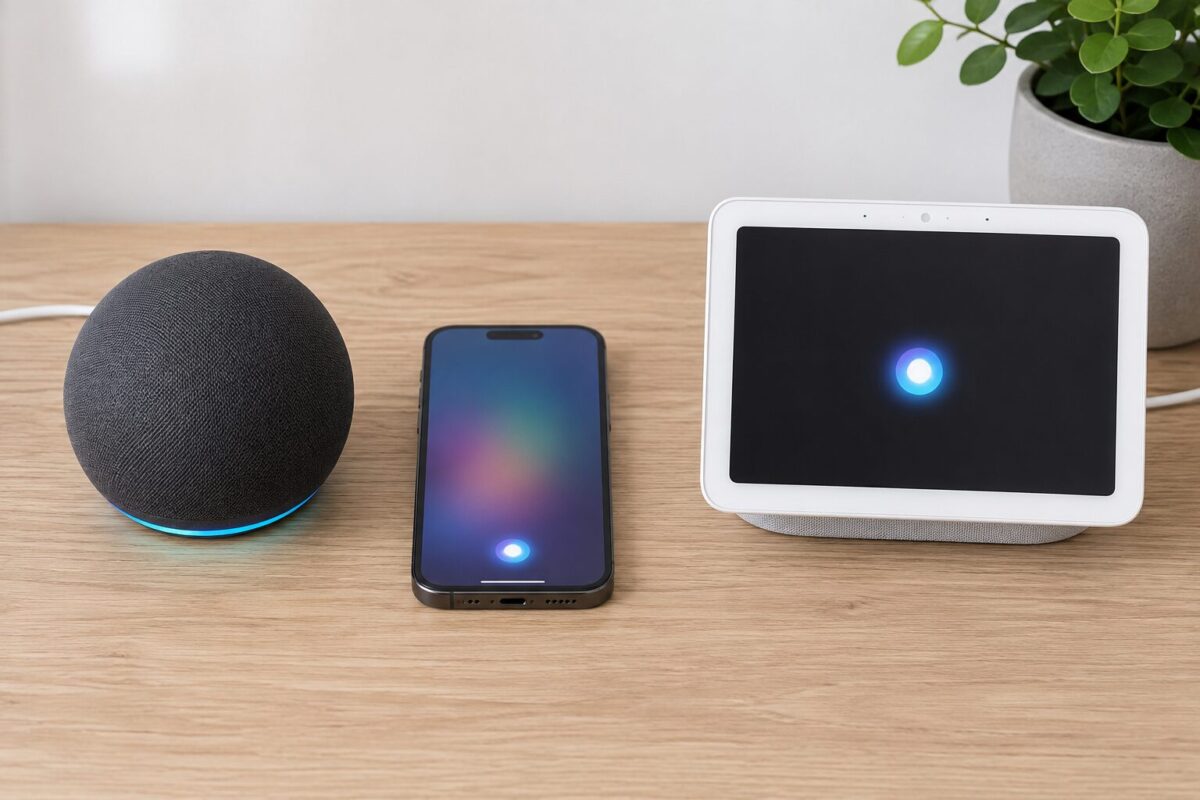
Smart speakers built the category, honestly. Amazon’s Echo line runs on the “Alexa” wake word almost universally, and it popularized the always-listening-for-one-phrase model for millions of households. Google’s Nest speakers do the same thing with “Hey Google.” Car infotainment systems are increasingly baking in their versions too, letting drivers keep their hands on the wheel while asking for directions or changing the music.
Then there’s the workplace angle, which is growing fast. Meeting assistants, transcription tools, and productivity apps are adding their own wake commands so people can dictate notes or pull up information without touching a keyboard. This is where things get genuinely useful rather than just novel. Being able to say a phrase and get a document searched or a calendar checked, hands-free, saves real time during a busy day.
One thing worth flagging: not every AI tool needs or uses a wake word. Chatbots like ChatGPT or Claude are typically text-first or push-to-talk, meaning you tap a button rather than say a trigger phrase. The wake-word pattern specifically belongs to ambient, always-on listening scenarios, not every AI interaction out there.
Why the Wake Word Matters More Than It Seems
It would be easy to dismiss the issue as a minor UX detail, just a trigger phrase. But the wake word actually shapes a huge amount of how comfortable people feel with AI in their homes and offices.
Get it wrong, and trust erodes fast. If a speaker activates when nobody said anything close to the trigger, or worse, if it seems to be listening constantly regardless of the phrase, people start unplugging devices or turning off the microphone entirely. Amazon and Google have both faced scrutiny over recordings that were captured accidentally or reviewed by human contractors, and those stories stick in people’s minds long after the technical fixes roll out.
On the other hand, a well-tuned wake word makes voice interaction feel natural instead of clunky. Nobody wants to press a button every time they want to check the weather or set a timer. The phrase becomes invisible once it works reliably, and that invisibility is the actual design goal.
There’s also a business angle that’s easy to overlook. Companies pick these phrases carefully, testing for acoustic distinctiveness, ease of pronunciation across accents, and how likely the word is to appear accidentally in normal conversation. That’s part of why you don’t see wake words like “hey” alone or common short words. They’d trigger constantly.
Common Misunderstandings Worth Clearing Up
A lot of confusion floats around this topic, so a few things are worth setting straight.
People often assume the device understands everything said before the wake phrase too, like it’s been quietly transcribing the whole conversation and just waiting for the trigger to “reveal” it. That’s not how the mainstream systems work. The pre-wake-word audio is typically discarded in a rolling buffer; only the brief window right around the detected wake phrase gets kept and processed.
Another misconception: that turning off the wake word fully disables the AI. Usually it just switches the interaction model; you’ll need to tap a button or open the app manually instead. The underlying assistant is still there.
And some people think a wake word is unique to one specific company’s product. It isn’t. Wake-word detection is a well-established area of speech recognition research, with plenty of open-source implementations and academic work behind it, not something invented or owned by a single tech giant.
Hey Artificial Intelligence: What This Looks Like Going Forward
Wake words aren’t static. As AI models get better at understanding context and distinguishing intent, some companies are experimenting with reducing reliance on a rigid trigger phrase altogether, using gaze detection, device proximity, or ongoing conversational context instead. Google has shown early versions of the technology with features that let you follow up on a request without repeating “Hey Google” every single time.
That’s a meaningful shift. It’s the difference between a system that only responds when explicitly summoned and one that behaves more like an ongoing conversational partner. Whether that’s a good thing depends a lot on how transparently it’s built and how much control the user keeps over when the device is actually listening.
For now though, the classic model still dominates. It starts with a short phrase, uses a local detector, and then hands off to a bigger system once you’re recognized. It’s not glamorous engineering from the outside, but it’s the quiet foundation that makes voice-based AI feel usable rather than frustrating.
Hey Artificial Intelligence: Frequently Asked Questions
Is “Hey artificial intelligence” an actual wake word on any device? It is not a standard default phrase on major platforms. Apple, Google, and Amazon each use their specific trigger phrases, such as Hey Siri or Alexa. The broader phrase is more commonly used to describe the general concept of activating an AI assistant by voice.
Can I customize my device’s wake word? On some platforms, yes, within limits. Amazon devices let you pick from a short list of alternatives to “Alexa,” while Apple and Google generally keep their trigger phrases fixed, though you can often disable the feature entirely.
Does the wake word listener record everything I say? No. The local detector is built to recognize only the acoustic pattern of the trigger phrase and generally discards other audio without sending it anywhere. Full recording and processing only begins after the wake word is detected.
Why does my device sometimes activate by mistake? Background noise, similar-sounding words, or audio from a TV or radio can occasionally match the pattern closely enough to trigger a false positive. It happens across every major platform to some degree, and companies continue refining detection accuracy to reduce it.
Is it safe to leave voice assistants always listening? For most mainstream, reputable devices, the local-only wake-word detection model is designed with privacy in mind, and the companies involved publish documentation on how audio is handled. If you’re still uncomfortable, most devices let you mute the microphone physically or disable the wake word altogether.