If you’ve got a dead zone in your house where your phone just spins and spins trying to load a page, you’ve probably typed “wifi extender vs booster” into Google at some point, hoping one of them would be the magic fix. Here’s the short version: they’re basically the same device wearing two different name tags, and the real decision you need to make is about something else entirely.
Let’s look at why that is and what you should actually buy instead of worrying about terminology.
Is There Even a Real Difference?
Not really, and the terminology confuses many people. Manufacturers use “extender” and “booster” almost interchangeably in product listings, and neither term has a strict technical definition the way “router” or “mesh system” does. Both devices do the same core thing: they grab your existing WiFi signal, amplify it, and rebroadcast it to cover more square footage.
Some brands lean toward “booster” because it sounds like it’s making your current signal stronger rather than just repeating it, which is a bit of marketing spin. In practice, what you’re buying under either name is a wireless repeater. It sits between your router and your dead zone, picks up the signal, and pushes it back out.
What actually differs from product to product isn’t the extender-vs-booster label. It’s things like:
- Whether the device uses a single radio band or dual-band
- Whether it creates a new network name or extends your existing one
- Whether it connects wirelessly or plugs into a wall outlet
- How much it cuts into your available bandwidth when repeating the signal
That last point is the one people underestimate. In my experience, most complaints about extenders feeling “slow” trace back to bandwidth halving, not a faulty unit. A single-band repeater has to use the same radio to receive and rebroadcast data, so you’re often looking at roughly half your original speed once you’re connected through it.
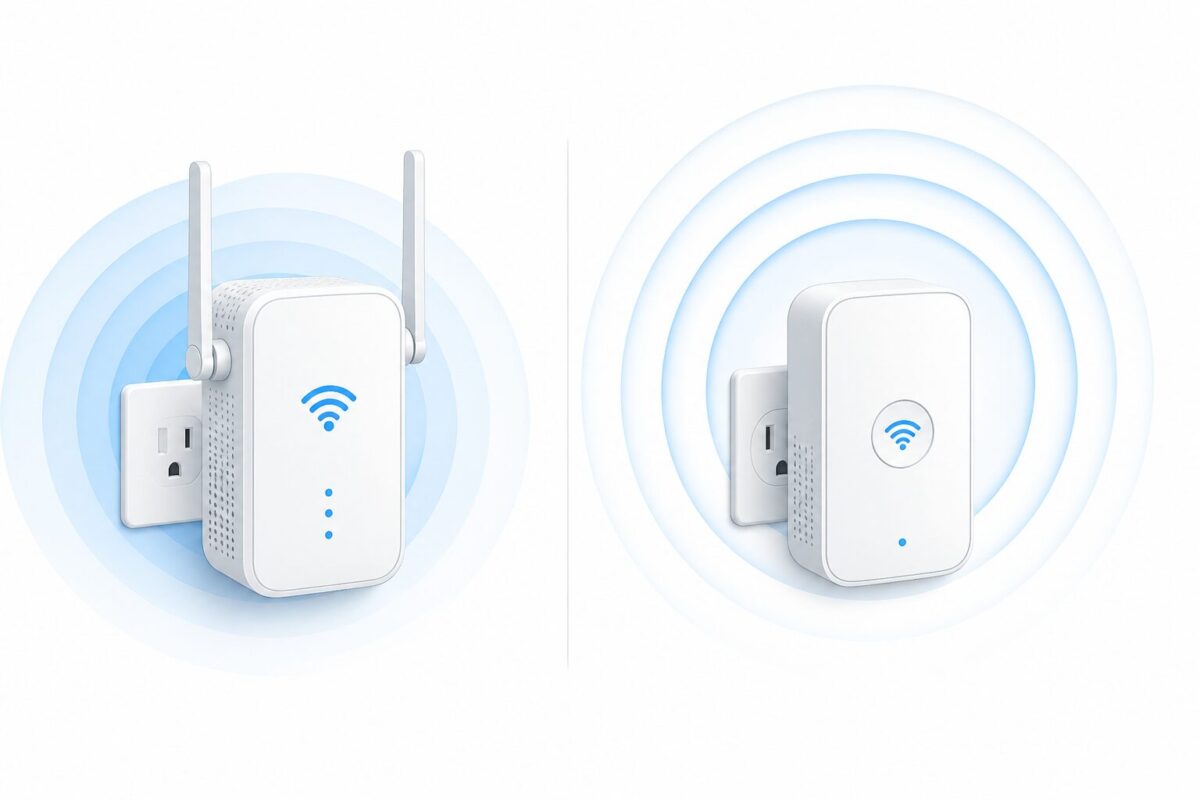
WiFi Extender vs Booster: Quick Comparison
| Factor | “Extender” branded | “Booster” branded | What it means for you |
|---|---|---|---|
| Core technology | Wireless repeater | Wireless repeater | Functionally identical |
| Speed impact | Can cut throughput significantly on single-band models | Same issue, same cause | Look for dual-band or tri-band, not the label |
| Network setup | Often creates a separate SSID | Often creates a separate SSID | You may need to manually switch networks as you move around |
| Placement | Needs to sit within range of your existing router signal | Same requirement | Placement matters more than brand name |
| Best for | Small to medium dead zones, budget setups | Small to medium dead zones, budget setups | Both suit the same use case |
| Alternative worth considering | Mesh WiFi system | Mesh WiFi system | Better for whole-home coverage, no manual switching |
The table pretty much confirms it: there’s no meaningful technical divide here. What matters is dual-band versus single-band, how the extender handles handoff between networks, and whether your home genuinely needs a repeater at all or something more robust.
WiFi Extender vs Booster: Why the Naming Confusion Exists
This confusion is partly due to how the wireless industry markets consumer electronics. “Booster” sounds punchier on a store shelf, almost like it implies raw power, while “extender” sounds more technical and accurate to what’s happening (extending coverage area). Neither the Federal Communications Commission nor any standards body defines these as separate product categories. The Wi-Fi Alliance, which sets the actual WiFi standards, doesn’t distinguish between the two terms in its certification programs either.
So when you’re comparing two products and one says “extender” and the other says “booster,” don’t let that be your deciding factor. Check the specs instead: dual-band support, WiFi standard (WiFi 5, WiFi 6, or older), and whether it supports mesh-style roaming.
When a Repeater Actually Makes Sense
Repeaters, regardless of what they’re called, work best in specific situations. If you live in an apartment or a small to mid-sized house with one or two dead spots, a decent dual-band extender can solve the problem for $30 to $80 without much hassle. They’re also a reasonable stopgap if you’re renting and don’t want to invest in a full router replacement.
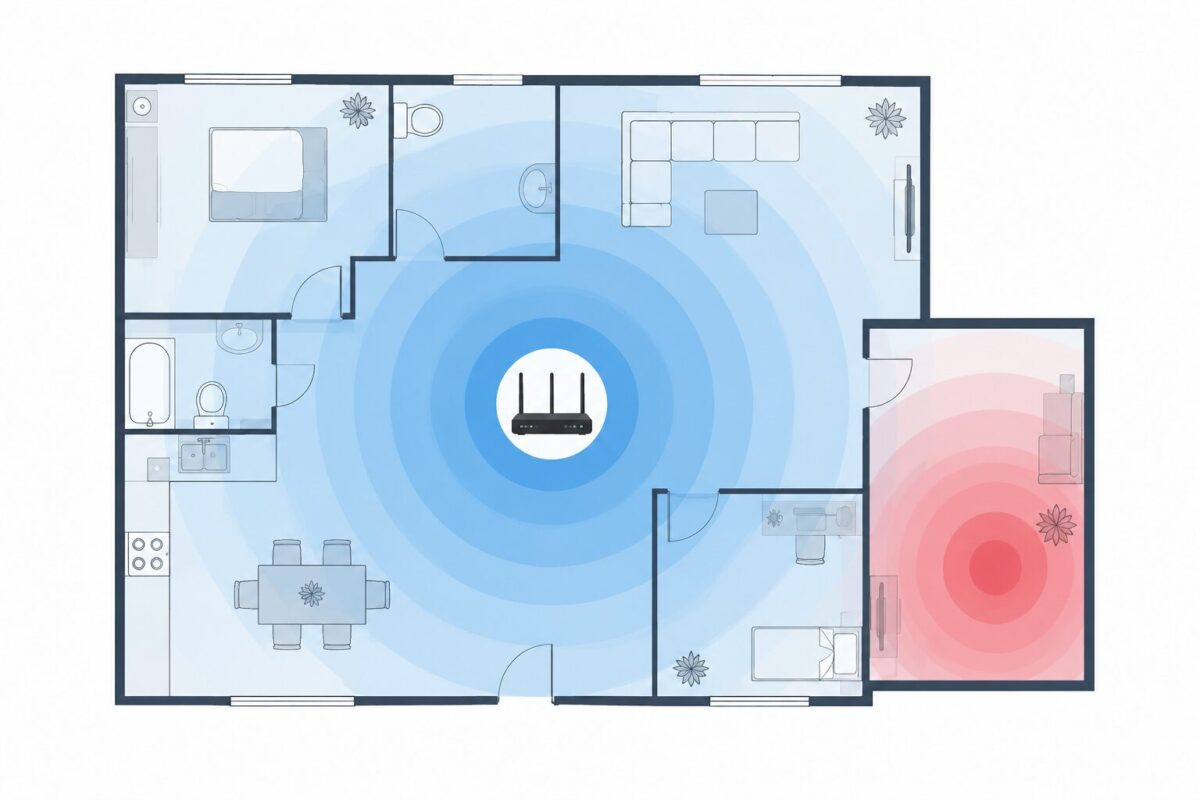
Where they tend to disappoint is in larger homes with multiple floors, thick walls, or several dead zones spread across the property. One thing worth flagging here: adding a single repeater to a big house often just moves the dead zone somewhere else rather than eliminating it, because you’re still relying on one router as the sole source of signal.
I’d lean toward being upfront about the limitations rather than pretending a $40 gadget will fix a 3,000-square-foot house. It won’t, and a lot of one-star reviews on Amazon for these devices come from people expecting whole-home coverage from a single plug-in unit.
Mesh Systems: The Alternative Nobody Asked About But Should Consider
This topic is the part most “extender vs booster” articles skip, and it’s honestly the more useful conversation for many readers. A mesh WiFi system uses multiple nodes placed around your home, all working together as one unified network instead of you manually connecting to a separate extended network when you walk into another room.
Brands like Eero (owned by Amazon), Google Nest WiFi, and TP-Link Deco all sell mesh kits that start around $150 for a two-pack and go up from there depending on coverage area and WiFi standard. That’s more expensive than a single extender, no question. But if you’ve already tried a booster and you’re still fighting dead zones, mesh is usually the actual fix rather than another band-aid.
The tradeoff is straightforward: extenders and boosters cost less upfront and are simpler to set up, while mesh systems cost more but give you seamless roaming and better coverage consistency across a larger space. If your house is under 1,500 square feet with one problem room, skip mesh and grab a repeater. If you’re dealing with multiple dead zones or a home over two floors, mesh is worth the extra cost.
Setting Up an Extender or Booster Without Wrecking Your Speed
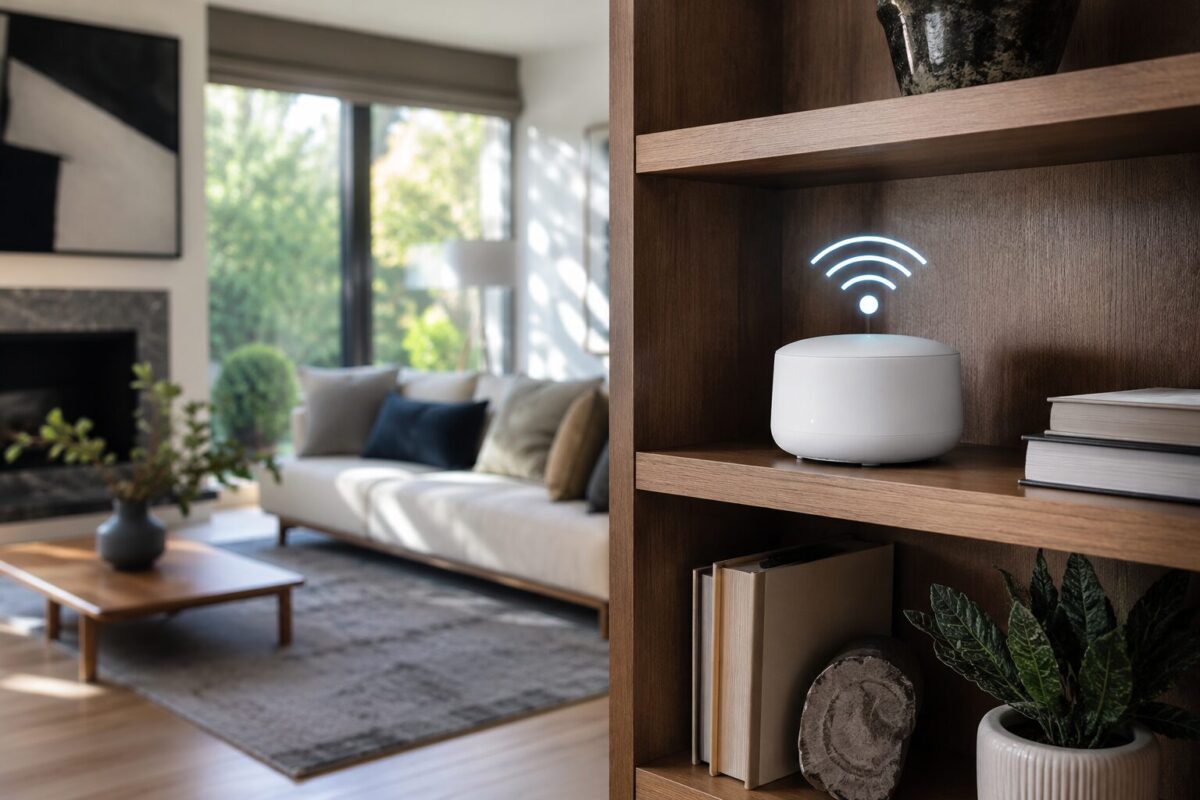
If you’ve decided a repeater is the right choice for your situation, placement is key. A common mistake is plugging the extender in right next to the dead zone, assuming closer to the problem is better. It’s actually the opposite. The extender needs a strong signal from your main router to rebroadcast, so it should sit roughly halfway between the router and the dead zone, ideally in a spot with at least two out of four signal bars from the original network.
A few practical tips that tend to get overlooked:
Avoid placing the unit inside a cabinet, behind a TV, or near large metal appliances, since all of these interfere with signal strength. Elevate it if possible, since wireless signals travel better with fewer obstructions at floor level. And if your extender supports both 2.4 GHz and 5 GHz bands, use the 5 GHz band for the connection between the router and extender when possible, since it handles less interference from other household devices like microwaves and Bluetooth speakers.
Most modern extenders also support what’s sometimes called “seamless roaming” or a unified SSID, which avoids the annoying problem of your phone staying locked onto a weak signal instead of switching to the stronger extended one. If you’re shopping for a new unit, this feature is worth checking for specifically. The Federal Communications Commission has general guidance on wireless interference and signal behavior in home settings if you want to understand the underlying physics a bit more.
What About Powerline Adapters?
It’s worth a quick mention since people sometimes lump them into this conversation. A powerline adapter uses your home’s electrical wiring instead of radio waves to carry the network signal to another part of the house, then broadcasts WiFi from a unit plugged in near the dead zone. These can outperform a standard extender in homes with thick walls or older construction that blocks wireless signals badly, though performance depends heavily on your home’s wiring quality and how old the electrical system is. It’s not a direct competitor to the extender-vs-booster question, but if you’ve tried both and neither worked, it’s a reasonable next thing to look into.
WiFi Extender vs Booster: FAQs
Is a Wi-Fi booster better than a Wi-Fi extender? No, and this is really the core answer to the whole “wifi extender vs booster” question. They describe the same category of device. Compare based on specs (dual-band, WiFi standard, and roaming support) rather than which word is on the box.
Do Wi-Fi extenders slow down internet speed? Single-band extenders typically do reduce speed, sometimes by close to half, because the same radio handles both receiving and rebroadcasting. Dual-band and tri-band models handle the situation much better since they can dedicate one band to communicating with the router and another to your devices.
How far should a Wi-Fi extender be from the router? It should be close enough to receive a strong signal, usually on the same floor or one or two rooms away, but far enough to actually reach into the dead zone. A spot with at least half signal strength from the original router is a reasonable benchmark.
Should I get mesh WiFi instead of an extender? If you have more than one dead zone, a multi-story home, or you’ve already tried an extender without success, mesh is generally the better long-term investment despite the higher upfront cost.
Can I use two extenders in one house? Yes, though each one adds a bit more latency and potential for signal degradation compared to a mesh system, which is built specifically to handle multiple nodes without that same drop-off.
If you take one thing away from all this discussion, let it be that the name on the box shouldn’t be the deciding factor. Check the band support, check whether it does seamless roaming, and be honest with yourself about whether your home actually needs a repeater or a full mesh setup. That’s the real “extender vs booster” decision, even if it doesn’t sound as catchy as the marketing copy.