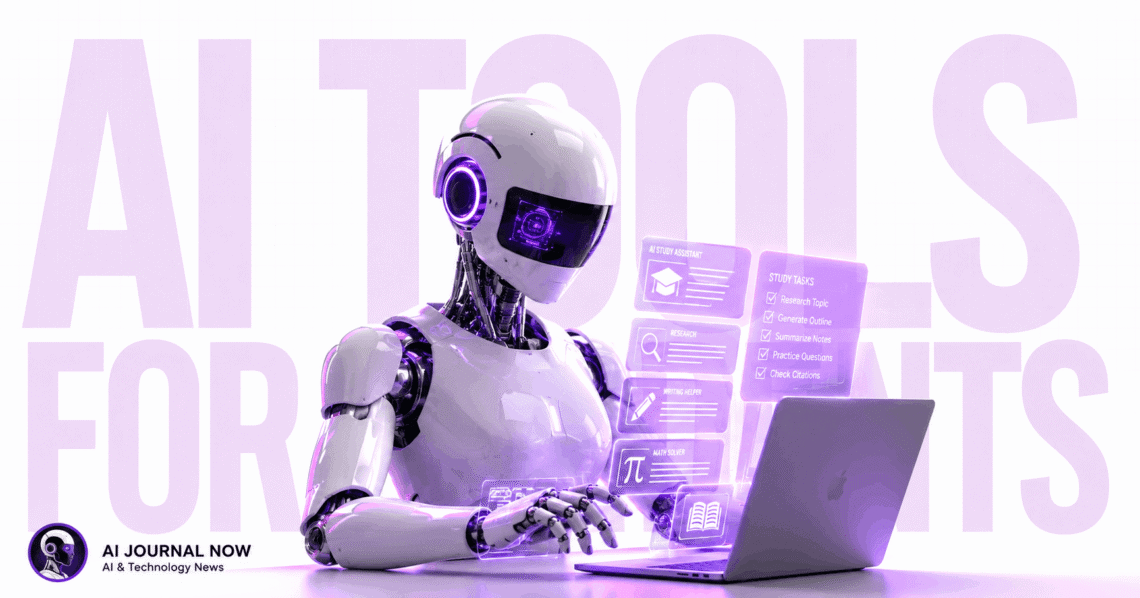
If you’re a student trying to keep up with deadlines, the best AI tools for students can genuinely change how you study. Not in a vague, overhanded way, but in a real, practical way that lets you say, “I finished my essay two hours early. “I’ve spent time testing these tools across different use cases, and some of them are shockingly effective.
Let’s break down what’s actually worth your time.
Why Students Are Turning to AI Right Now
The pressure on students has never been higher. Between research papers, group projects, and exam prep, there’s barely time to breathe. AI tools don’t do the work for you—but they make the hard parts less painful.
Think of them as a very patient tutor who’s available at 2 a.m. and never judges you for asking the same question three times.
And the best part? Most of the best AI tools for students have free tiers. You don’t need a big budget to get started.
Best AI Tools for Students: The Core List
Here are the tools worth knowing about, with honest takes on each.
1. ChatGPT—For Writing, Brainstorming, and Explaining Concepts
ChatGPT is probably the first tool most students try. And for good reason. It’s great at explaining complex topics in plain language. Ask it to explain photosynthesis like you’re twelve, and it actually does it well.
It’s also solid for brainstorming essay angles, drafting outlines, or getting unstuck on a paragraph you’ve rewritten five times.
But here’s something I’ve noticed: ChatGPT is most useful when you treat it like a thinking partner, not an answer machine. Give it context. Push back on its answers. Use it to sharpen your ideas.
The free version (GPT-4o) is genuinely capable. The paid version adds more memory and better handling of long documents.
Best for: Essays, concept explanations, brainstorming, and coding help.
2. Notion AI—For Notes and Organization
If you have notes scattered across five apps and three notebooks, Notion AI might fix that. It’s built into Notion, so you can write notes and then ask AI to summarize, expand, or reorganize them instantly.
It’s particularly useful for lecture notes. You dump everything in during class. Then Notion AI cleans it up into something readable.
I’ve found that students who build a solid Notion setup early in the semester save hours later. The AI layer just makes it faster.
Best for: Organization, note cleanup, and study guides.
3. Grammarly—For Editing and Clarity
Grammarly has been around for years, but it’s gotten smarter. It doesn’t just fix grammar anymore. It flags unclear sentences, suggests stronger word choices, and checks your tone.
For non-native English speakers especially, Grammarly is a quiet confidence booster. It catches the small things professors notice.
The free version covers the basics well. Premium adds style suggestions and a plagiarism checker, which is worth it if you’re writing a lot of academic content.
Best for: polishing essays, emails to professors, and any other formal writing.
4. Perplexity AI—For Research
This one doesn’t get enough credit. Perplexity AI is like a search engine that actually explains things. You ask a question, it searches the web, and it gives you a sourced, readable summary.
So instead of opening fifteen tabs and piecing together information yourself, you get a clear overview with citations you can verify.
It’s not a replacement for deep academic research. But if you want to get oriented on a new topic before you dig into scholarly sources, this tool is excellent. It’s excellent. If you’re curious how it stacks up against other tools, this Perplexity vs. ChatGPT breakdown is worth a read.
Best for: Starting research, quick fact-finding, and understanding new topics fast.
5. Quizlet with AI Features—For Studying and Memorization
Quizlet has added AI-powered study features that make it much more useful than flashcards alone. It can generate practice questions from your notes, quiz you adaptively, and explain why an answer was wrong.
In my experience, the best way to use it is to paste in your class notes and let it create a study set automatically. Then do a few quiz rounds before bed. The spaced repetition really works.
Best for: Exam prep, memorization, and vocabulary-heavy subjects.
How to Actually Use the Best AI Tools for Students Without Cheating
This matters. Using AI to cheat is both risky and counterproductive. But using it to learn faster is completely legitimate.
Here’s a healthy way to consider it:
- Use AI to understand concepts, then write in your own words.
- Use it to check your work, not to produce it.
- Ask it to explain your mistakes, not just to fix them.
Most professors aren’t against AI. They’re against students using it as a crutch that stops real learning. There’s a difference.
According to UNESCO’s 2023 report on AI in education, thoughtful AI use can actually improve learning outcomes when students stay actively engaged.
Best AI Tools for Students: Subject-Specific Picks
Not every tool is right for every major. Here’s a quick breakdown.
STEM Students
- Wolfram Alpha for math and science computation
- ChatGPT for debugging code or explaining formulas
- Perplexity AI for understanding research papers
Humanities and Social Sciences
- Grammarly for writing quality
- Notion AI for organizing research and arguments
- ChatGPT for essay structure and counterarguments
Language Learners
- Grammarly for writing feedback
- ChatGPT for conversation practice
- Quizlet for vocabulary building
Best AI Tools for Students: What to Watch Out For
AI tools are useful, but they have real limits. Here are a few honest caveats.
They can be wrong. ChatGPT and Perplexity both make factual errors. Always verify important information against a primary source.
They can make you passive. It’s all too simple to just accept whatever the AI says. Push back. Ask follow-up questions. Stay curious.
Not all tools are equal for academic use. Some are better for creative tasks, others for research. Using the wrong tool for the job gives mediocre results.
And one more thing: don’t try to use all of them at once. Pick two or three that fit your workflow and get good at those. Jumping between ten apps is just a new kind of procrastination. If you want a broader look at the best productivity apps that pair well with these tools, that’s a good place to start.
A Quick Comparison
| Tool | Best Use | Free Tier? |
|---|---|---|
| ChatGPT | Writing, explaining, coding | Yes. |
| Notion AI | Notes, organization | Limited |
| Grammarly | Editing, clarity | Yes. |
| Perplexity AI | Research-sourced answers | Yes. |
| Quizlet | Memorization, exam prep | Yes. |
Best AI Tools for Students: Getting the Most Out of These Tools
Start simple. Pick one tool that solves your biggest current problem. If you have too many notes, try Notion AI. If your essays keep coming back with grammar comments, start with Grammarly.
The best AI tools directory for students aren’t the fanciest ones—they’re the ones you actually use consistently. A tool you open every day beats a premium subscription you forget about.
Students looking to earn on the side while studying might also find value in checking out online work for college students that pairs well with these AI tools.
So give yourself one week with just one tool. See what shifts. Then add another.
That’s how you build a study system that actually sticks.